Category: POS Guides

  • How to Use Customer Loyalty Programs to Grow Repeat Sales in Bangladesh

    Acquiring a new customer costs five to seven times more than retaining an existing one. That principle holds true everywhere — including retail shops, restaurants, pharmacies, and fashion boutiques across Bangladesh. Yet most business owners spend the majority of their time and money chasing new customers, while their existing loyal customers walk out the door without any reason to choose them over a competitor next time.

    A customer loyalty program built into your POS system changes this dynamic. It turns every transaction into a relationship touchpoint — rewarding customers for returning, giving you data to understand their preferences, and creating personalised communication channels that bring them back before a competitor does.

    This guide explains how loyalty programs work in practice for Bangladeshi businesses, how to set one up through DeshiPOS, and the strategies that actually drive repeat sales — not just loyalty points that customers forget about. For an overview of all DeshiPOS features, visit our features page.


    Why loyalty programs matter for Bangladesh businesses

    In a market where customers have more choices than ever before — more shops, more online options, more informal sellers through Facebook and WhatsApp — the businesses that build genuine relationships with their customers have a durable competitive advantage that is very hard to copy.

    Price can always be matched. A competitor can open next door. But a customer who feels genuinely recognised and rewarded by your business — who knows that you remember them, that you appreciate their loyalty, and that you offer them something your competitors do not — is unlikely to switch for a few taka difference on a single item.

    The data supports this strongly. Regular customers typically spend 67% more per transaction than first-time buyers. They refer friends and family more often. They are more forgiving when something goes wrong. And they provide the stable revenue base that allows you to plan, invest, and grow with confidence.


    Types of loyalty programs that work for Bangladeshi businesses

    Points-based loyalty programs

    The most common loyalty structure: customers earn points for every taka they spend, and redeem accumulated points for discounts or free products. For example, 1 point per ৳10 spent, redeemable at 100 points for ৳50 off a future purchase. Points-based programs work well for retail shops, fashion boutiques, and pharmacies where customers make repeat purchases of similar items.

    The key to an effective points program is making the reward feel attainable. If a customer needs to spend ৳50,000 before they earn a meaningful reward, they will not feel motivated to participate. Design your points structure so that a regular customer reaches a meaningful reward within two to four visits.

    Visit-based stamp programs

    Particularly effective for restaurants, cafes, and tea stalls. After a set number of visits — typically five to ten — the customer earns a free item or a significant discount. This structure creates a clear, visible goal for the customer and a strong incentive to return before going elsewhere. “Come back five times and your sixth coffee is free” is simple, easy to communicate, and effective.

    Tiered membership programs

    Customers move between tiers based on their cumulative spend — Silver, Gold, Platinum, for example. Each tier offers progressively better benefits: higher discount rates, early access to new stock, free delivery, priority service. Tiered programs work well for fashion boutiques and electronics showrooms where customers make higher-value purchases and respond to status-based recognition.

    Birthday and anniversary rewards

    A simple, low-cost loyalty touch that generates a disproportionate emotional response. When you know a customer’s birthday, sending them a personalised SMS offer — 15% off for the next week as a birthday gift from your shop — creates a genuine moment of feeling valued. DeshiPOS stores customer birthday data in the customer profile and can trigger automatic SMS reminders.


    How to set up a loyalty program in DeshiPOS

    Step 1: Enable customer profiles

    Every loyalty program starts with customer data. In DeshiPOS, go to Settings and enable customer profiles. This allows your cashiers to create a customer record at the point of sale — collecting the customer’s name, mobile number, and optionally their birthday and address. The mobile number is essential: it is how you will communicate with them via SMS.

    Train your cashiers to ask every new customer if they would like to join your loyalty program. Keep the sign-up process to thirty seconds — name and mobile number. The customer should be enrolled and earning points from their very first transaction.

    Step 2: Configure your points structure

    In DeshiPOS loyalty settings, configure your earn rate (points per taka spent) and your redemption rate (how many points equal how much discount). Start simple. A rate of 1 point per ৳10 spent, redeemable at 100 points for ৳50 off, is easy for customers to understand and easy for your cashiers to explain. You can add complexity later once the program is established.

    Decide whether points expire and communicate this clearly. Expiry dates create urgency — customers who know their points will expire are more likely to visit before the deadline. But expiry dates that are too short can frustrate loyal customers. Three to six months is a reasonable expiry window for most Bangladesh retail businesses.

    Step 3: Set up SMS marketing

    DeshiPOS’s built-in SMS feature lets you send messages to your customer database based on criteria you define. You can message all customers, customers who have not visited in the past thirty days, customers who have accumulated more than a certain number of points, customers who have spent above a certain total, or customers whose birthday falls in the current month.

    Keep your SMS messages short and specific. “Assalamu Alaikum [Name]! You have earned 150 points at [Shop Name]. Visit us this week and redeem them for ৳75 off your next purchase.” A message with the customer’s name, their specific points balance, and a clear call to action outperforms a generic promotional blast significantly.

    Step 4: Train your cashiers on loyalty enrollment

    The most common reason loyalty programs fail is inconsistent enrollment. If your cashiers only mention the program occasionally, you will have a fraction of your regular customers in the system and the program will never reach critical mass. Standardise the enrollment prompt — “Would you like to join our loyalty program and earn points on this purchase?” — and build it into the closing of every transaction.


    Loyalty program strategies that drive repeat sales in Bangladesh

    Use SMS to reach lapsed customers

    Every month, run a report in DeshiPOS showing customers who have not made a purchase in the past thirty to forty-five days. These are your at-risk customers — people who bought from you but have not been back. Send them a re-engagement SMS with a specific offer: “We miss you at [Shop Name]! Come back this week and get 10% off your next purchase.” A targeted re-engagement campaign typically converts five to fifteen percent of lapsed customers — significantly better than advertising to strangers.

    Create Eid and seasonal loyalty bonuses

    Double points during your Eid sale, your anniversary promotion, or your end-of-season clearance. This drives traffic during your promotional period and gives existing loyal customers an additional reason to choose your shop over a competitor who is running a similar sale. The bonus points also bring customers back after the promotion ends to redeem their earned points — a second wave of traffic at zero additional marketing cost.

    Reward your best customers specifically

    Use DeshiPOS customer reports to identify your top twenty to thirty customers by total spend in the past year. Send them a personal thank-you message with a special reward — an exclusive discount, early access to new stock, or a complimentary item on their next visit. This kind of personal recognition is rare in Bangladeshi retail, and it creates an emotional loyalty that points programs alone cannot replicate.

    New product announcements to relevant customer segments

    When your new collection arrives, do not just send an announcement to everyone. Use purchase history data to identify customers who bought from your previous collection and send them a targeted message: “Your favourite styles are back — new arrivals now in stock. Visit us this week for first access.” Customers who receive relevant, personalised product announcements respond at higher rates than those who receive generic broadcast messages.


    Loyalty programs by business type in Bangladesh

    Retail shops

    Points-based programs work best for retail. Keep the redemption threshold low enough that customers reach their first reward within two to four visits. Combine with seasonal double-points events around major shopping periods. DeshiPOS serves a wide range of retail businesses in Bangladesh with built-in loyalty tools.

    Restaurants and cafes

    Visit-based programs drive frequency better than points for food businesses, because the reward cycle is shorter. “Every fifth meal is 20% off” creates a clear, visible goal that motivates return visits. Combine with birthday reward SMS for an additional personal touch. DeshiPOS’s restaurant POS solution includes customer profile and loyalty management.

    Pharmacies

    Pharmacy loyalty programs are particularly effective because prescription and chronic medication customers visit monthly by necessity. A points program that rewards their regular purchases creates stickiness — they continue filling prescriptions at your pharmacy rather than switching to a competitor. SMS reminders for prescription refills (“Your monthly prescription refill is due — come in this week to earn double points”) combine loyalty with a genuine service. DeshiPOS’s pharmacy solution supports this workflow.

    Fashion boutiques

    Tiered membership programs work particularly well in fashion retail, where customers respond to status recognition. Invite your top customers into a “VIP” tier with exclusive benefits and use SMS to notify them of new arrivals before they go to the general floor. DeshiPOS’s fashion store solution supports tiered loyalty structures with purchase history tracking.


    Frequently asked questions: customer loyalty programs in Bangladesh

    Does DeshiPOS support customer loyalty programs?

    Yes. DeshiPOS includes customer profile management, points-based loyalty tracking, purchase history recording, and SMS marketing built into the platform. No separate loyalty app or third-party integration is required. See the full feature set on our features page.

    How do I send SMS offers to my customers through DeshiPOS?

    From your DeshiPOS dashboard, go to Customer Management, then SMS Marketing. Select your recipient criteria — all customers, lapsed customers, customers with over a certain points balance, or birthday customers — compose your message, and send. The system sends the SMS to every matching customer in your database simultaneously.

    Can I track which customers have not visited in a while?

    Yes. The customer activity report in DeshiPOS shows when each customer last made a purchase. Filter by customers who have not visited in the past 30, 45, or 60 days to identify your lapsed customer segment and target them with a re-engagement offer.

    Is a loyalty program worth it for a small shop in Bangladesh?

    Yes — arguably more so for small shops than large ones. Small shops compete primarily on relationships, not on price or range. A loyalty program formalises and deepens those relationships, giving you a systematic way to recognise and reward the regular customers who are the foundation of your business. The cost is negligible relative to the lifetime value of a loyal customer.


    Related reading: Best retail POS in Bangladesh | Best restaurant POS | Staff and shift management | Pricing | FAQ
  • Best Billing Software for Small Shops in Bangladesh (2026)

    Many small shop owners in Bangladesh search for “billing software” rather than “POS software” — and that is completely reasonable. When you are running a small shop, you do not need a complicated system. You need something that makes billing faster, tracks your stock, and tells you at the end of the day how much money came in. That is billing software.

    The good news is that the best billing software in Bangladesh today does all of this and more — automatically, affordably, and in Bangla. This guide explains what to look for in billing software for a small shop in Bangladesh, what the realistic costs are, and how to get started without technical expertise.

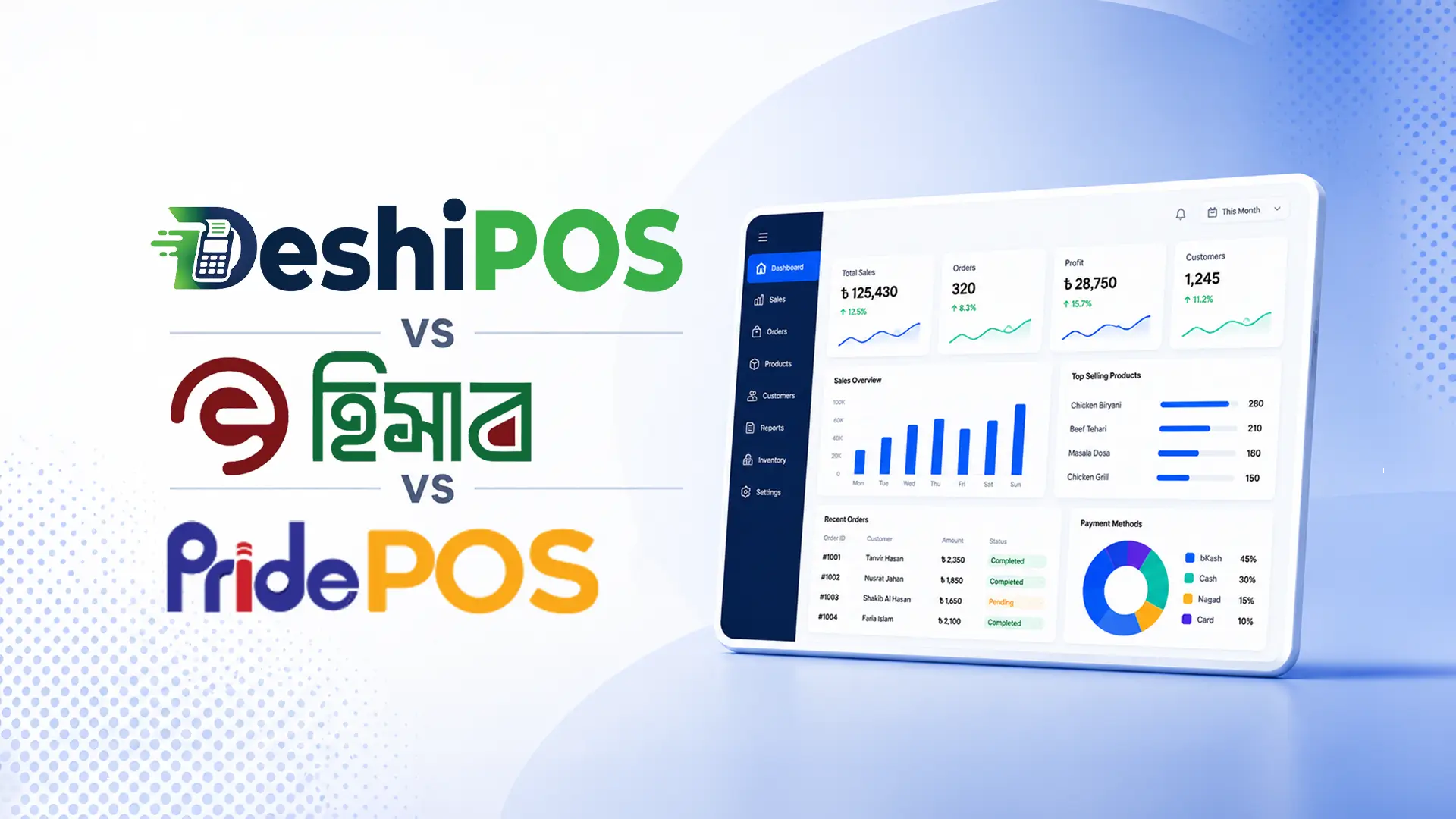
    If you are already familiar with POS software and want a more detailed comparison of options, see our DeshiPOS vs Ehishab vs PridePOS comparison. For answers to the most common questions about POS and billing software in Bangladesh, see our small business POS guide.


    What is billing software and what does it do for a small shop?

    Billing software, at its simplest, is a digital tool that replaces your receipt book and manual price calculator. When a customer makes a purchase, you enter the items into the billing software, it calculates the total (including any VAT), and it prints or shares a receipt. The transaction is recorded automatically.

    Modern billing software for small shops in Bangladesh does considerably more than this. It tracks your stock — deducting every sold item from your inventory automatically. It records which payment method was used — cash, bKash, Nagad — so your daily reconciliation takes five minutes instead of forty-five. It generates a daily profit summary so you always know where your business stands. And it stores a complete record of every transaction that is accessible from your phone at any time.

    This is the difference between billing software and a receipt book. The receipt book tells you what you sold today. The billing software tells you what you sold, how much profit you made, what stock you need to reorder, which customers owe you money, and how your performance this week compares to last week.


    Why small shops in Bangladesh are switching to billing software in 2026

    The shift from manual to digital billing has been accelerating across Bangladeshi small businesses for the past three years, and the pace is increasing. Several factors are driving this.

    Mobile payments made digital tools essential

    The explosive growth of bKash and Nagad has made digital payment recording a practical necessity for most shops. When a significant portion of your daily transactions happen via mobile financial services, you need a system that records them separately from cash — otherwise your end-of-day reconciliation is a mess of mental arithmetic and educated guesses. Billing software solves this automatically.

    NBR compliance requirements are tightening

    VAT-registered businesses in Bangladesh are under increasing pressure to maintain proper invoice records. The National Board of Revenue (NBR) expects Mushak-compliant invoices and complete transaction records. Generating these manually is time-consuming and error-prone. Billing software generates compliant invoices automatically with every sale.

    Competition is intensifying

    Shops that run on billing software serve customers faster, manage stock better, and make smarter purchasing decisions than shops that run on notebooks. As more businesses adopt digital tools, the operational advantage of those systems becomes a competitive one. The businesses that adopt billing software sooner will outperform those that wait.

    Affordable pricing has removed the cost barrier

    Three years ago, decent billing software in Bangladesh cost tens of thousands of taka for a perpetual licence. Today, a full-featured cloud-based billing and POS system starts at ৳499 per month — less than ৳17 per day — with a free trial included. The cost barrier that once prevented small shops from going digital has largely disappeared.


    What to look for in billing software for small shops in Bangladesh

    The right billing software for your small shop in Bangladesh needs to meet several specific requirements. Here is what matters most.

    Fast, simple billing at the counter

    Your billing screen should be clean and fast. Search for a product by name or scan its barcode — the item appears instantly. Select the quantity, choose the payment method, confirm the sale. The receipt prints or is sent via WhatsApp. The entire transaction should take under thirty seconds. If the billing interface is complicated enough to slow down your cashier, it is the wrong software.

    Automatic inventory tracking

    Every sale should automatically deduct the sold quantity from your stock level. When stock drops below the minimum you have set, you should receive an alert. This eliminates the most common operational problem for small shops — discovering that a product is out of stock only when a customer asks for it. See our guide to automatic inventory tracking for a full walkthrough.

    bKash and Nagad payment recording

    This is non-negotiable for any small shop in Bangladesh in 2026. bKash, Nagad, and Rocket payments must be recorded as separate, properly categorised transaction types — not lumped in with cash. Your daily reconciliation depends on this distinction. See our guide to bKash and Nagad integration for how this works in practice.

    NBR-compliant VAT invoicing

    If your business is VAT-registered, your billing software must generate Mushak-compliant invoices automatically. If you are approaching the VAT registration threshold, choose software that is ready for compliance so the transition is smooth rather than disruptive. DeshiPOS generates NBR-compliant invoices as a standard feature across all plans.

    Daily summary reports

    At the end of every day, your billing software should generate a summary showing: total sales, cash received, bKash and Nagad received, total transactions, gross profit, and best-selling products. This report should be available on your phone within seconds of closing the day — not after thirty minutes of manual calculation.

    Offline operation

    Internet connection in Bangladesh is not always reliable. Your billing software must work offline — processing sales, updating stock, printing receipts — and sync when connectivity returns. A billing system that freezes every time your internet drops is not a viable solution for daily trading. Our Cloud POS vs Offline POS guide explains why offline-first architecture matters.

    Local support in Bangla

    When something goes wrong — a billing error, a configuration problem, a staff question — you need to be able to get help quickly, in Bangla, during your business hours. International billing software with overseas support teams does not meet this requirement. Choose a locally supported system with a team you can reach by WhatsApp when you need them.

    BDT pricing with no hidden fees

    Always choose billing software priced in taka, not US dollars. Currency fluctuations make your operating costs unpredictable when software is priced in foreign currency. BDT pricing means your software cost is stable and predictable — one less variable in your monthly budget.


    How DeshiPOS works as billing software for small shops in Bangladesh

    DeshiPOS was built from the ground up for Bangladeshi small businesses — which means it is designed to be fast, simple, and immediately useful without any technical expertise required. Here is what small shop owners get from day one.

    Billing in under thirty seconds

    The DeshiPOS billing screen is designed for speed. Search by product name, scan a barcode, or tap from a category grid — whichever is fastest for your shop’s workflow. Select the payment method — cash, bKash, Nagad, Rocket, card, or split — confirm, and the receipt prints automatically. Your inventory updates, your daily total updates, and you are ready for the next customer.

    Works on any device, online or offline

    DeshiPOS runs on your existing laptop, tablet, or smartphone — no special hardware required to get started. It works fully offline when your internet drops and syncs automatically when connectivity returns. Your billing never stops because of a network issue.

    Real-time stock and low-stock alerts

    Every sale updates your stock automatically. Set minimum stock levels for your key products and DeshiPOS alerts you when it is time to reorder — before you run out, not after. Your inventory is always current without any manual counting.

    Daily profit report on your phone

    At the end of each day, open your DeshiPOS dashboard on your phone and see your daily total — sales, profit, best sellers, payment method breakdown. No more end-of-day calculations. Your business data is always with you, always accurate.

    Start with a free trial

    DeshiPOS Starter is ৳499 per month — under ৳17 per day — with a one-month free trial included. No credit card required. Set up your product catalogue, process real sales, and experience the difference before you spend a taka. See plan details on our pricing page.


    Which types of small shops in Bangladesh benefit most from billing software?

    Every type of small shop benefits — but some see more immediate impact than others. DeshiPOS serves dedicated solutions for retail shops, restaurants, pharmacies, fashion boutiques, and electronics shops.

    Shops that see the fastest return on investment are typically those with: high transaction volume (many small sales per day), multiple payment methods (cash plus bKash and Nagad), more than fifty products (where manual stock tracking breaks down), and regular customers on credit (where a customer ledger is needed).


    Frequently asked questions: billing software for small shops in Bangladesh

    Is billing software the same as POS software?

    Yes — the terms are used interchangeably in Bangladesh. “Billing software” typically refers to the same category of tools as “POS software” or “point-of-sale software.” Modern billing software like DeshiPOS includes billing, inventory, customer management, and reporting in a single system.

    How much does billing software cost for small shops in Bangladesh?

    DeshiPOS starts at ৳499 per month with a one-month free trial. This covers unlimited invoices, three user accounts, and up to 5,000 products — sufficient for most small single-outlet businesses. See our POS software pricing guide for a full breakdown of what different price tiers offer.

    Can billing software work without internet in Bangladesh?

    Yes. DeshiPOS works fully offline — processing sales, updating inventory, and printing receipts — and syncs to the cloud when connectivity returns. Your billing never stops because of an internet outage.

    Do I need a computer or can I use a tablet?

    DeshiPOS works on any device with a browser — laptop, desktop, tablet, or smartphone. Most small shops use a tablet at the billing counter for its compact size and affordability. You can start immediately with a device you already own.

    Is there support in Bangla?

    Yes. DeshiPOS’s support team is based in Bangladesh and available in Bangla via WhatsApp and phone during business hours. Our guides and documentation are also available in Bangla. Contact us via the contact page to test our response time before you commit.


    Related reading: POS for small businesses | Cloud POS vs Offline POS | Automatic inventory tracking | POS software pricing | FAQ

  • How to Read Your Daily Sales Report: A Guide for Bangladesh Business Owners

    One of the most underused features of any POS system is the daily sales report. Most business owners open it, glance at the total sales figure, and close it. They are leaving most of the value on the table.

    A daily sales report is not just a record of what happened today. It is a real-time window into the health of your business. It tells you where your money came from, where your profit went, which products are driving your business forward, and which ones are holding you back. Read it correctly every day and you have the data to make better decisions — about buying, pricing, staffing, and promotions — than a business owner who has been operating for decades on gut feel alone.

    This guide explains exactly how to read your DeshiPOS daily sales report, what each number means, and what actions each figure should prompt. If you are not yet using a POS system, our guide to POS software for small businesses in Bangladesh is the right starting point.


    The 5 numbers you should check every single day

    Number 1: Total sales revenue

    This is the total value of all sales processed today. It is the number most business owners look at first — and it is important — but it tells you less than the other numbers on its own. High revenue with low profit is not a success. Low revenue on a day you expected to be busy is a signal worth investigating.

    What to do with this number: compare it to the same day last week, and to your monthly average daily revenue. Is today above or below your trend? If it is significantly below, was it a slow day for a known reason — bad weather, a local holiday, a disruption — or is there something you need to investigate? If it is significantly above, what drove the increase? A pattern in your daily revenue comparison tells you whether your business is growing, stable, or declining — without waiting for a monthly review.

    Number 2: Gross profit

    Gross profit is your total sales revenue minus the cost of goods sold. It is the money left over after you pay for the products you sold — before operating expenses like rent and salaries. This number tells you whether you are pricing your products correctly relative to what you paid for them.

    What to do with this number: calculate your gross profit margin — gross profit divided by total revenue, expressed as a percentage. If your margin is consistently lower than you expect, investigate whether your purchase prices have increased without a corresponding adjustment to your selling prices, whether discounts are being applied too freely, or whether a specific product category is dragging your overall margin down.

    Number 3: Payment method breakdown

    Your daily report shows how much of your revenue came from each payment method: cash, bKash, Nagad, Rocket, card. This breakdown is essential for two reasons.

    First, it is your reconciliation tool. At the end of the day, count your physical cash. It should match the cash figure in your report (minus any opening float). Check your bKash merchant statement — the total should match your bKash figure. Any discrepancy between the physical count and the report figure tells you immediately that either a payment was recorded with the wrong payment method, or a transaction was missed entirely.

    Second, it shows you how your customers pay. If bKash now accounts for 40% of your daily revenue and you are still treating it as a secondary payment method, your operational priorities need to realign with customer behaviour. See our guide to bKash and Nagad payment management for how to get this right.

    Number 4: Best-selling products

    Your daily report shows which products generated the most revenue and which sold the most units today. This is not just interesting information — it is actionable data that should influence your purchasing decisions, your shelf placement, and your promotions.

    What to do with this number: check your stock levels for your top sellers. If the products that are driving your revenue are also running low on stock, reorder immediately — before the next trading day. A stockout on your bestselling product is one of the most avoidable and most costly problems in retail. Use your low-stock alerts in DeshiPOS as a first warning, and this daily check as a second confirmation.

    Number 5: Transaction count

    The total number of transactions processed today, alongside your total revenue, gives you your average transaction value — total revenue divided by number of transactions. This is one of the most useful metrics for understanding your business’s trajectory.

    If your transaction count is growing but your average transaction value is falling, you are serving more customers but each is buying less. This might indicate a pricing issue, a product mix problem, or a change in your customer base. If your average transaction value is growing but your transaction count is flat, you are getting more from each customer but not reaching more people. Understanding which metric is moving — and in which direction — helps you identify the right lever to pull.


    How to read your daily report in DeshiPOS

    DeshiPOS generates your daily sales report automatically at the end of each trading day. Here is how to find it and what you will see.

    Accessing the daily report

    From your DeshiPOS dashboard, go to Reports, then Daily Sales. Select the date you want to view. The report loads in seconds — no waiting, no calculation required. It is accessible from any device, including your phone, which means you can review today’s numbers from home without driving to the shop.

    The summary section

    At the top of the report you will see the five key numbers described above: total sales, gross profit, payment method breakdown, top-selling products, and transaction count. This is the section you should read every day. It takes less than two minutes to scan and gives you everything you need for your daily business pulse check.

    The transaction detail section

    Below the summary, the report lists every individual transaction processed during the day — the time, the cashier who processed it, the items sold, the payment method, and the total. This section is for investigation rather than daily reading. When your cash count does not match, when a customer disputes a transaction, or when you notice an unusual entry in the summary, the transaction detail is where you look for answers.

    The staff performance section

    The daily report in DeshiPOS includes a breakdown of sales by staff member — how many transactions each cashier processed and the total value of their sales. This is your quick management check: is workload distributed as expected across your team? Are any staff members significantly under- or over-performing their colleagues on the same shift? See our staff and shift management guide for how to act on this data.


    Building a daily reporting habit for your business

    The business owners who get the most value from their POS reports are those who build a consistent daily review habit. Here is a simple five-minute routine that takes the data from your daily report and turns it into decisions.

    Morning review (5 minutes)

    Each morning, before the shop opens, open your DeshiPOS report for yesterday. Check the five key numbers. Compare revenue to your recent average. Verify that the cash and MFS totals reconcile with your physical counts from closing. Check your top-selling products and confirm their stock levels are adequate for today. Flag anything unusual for follow-up. Done in under five minutes, this morning check gives you clarity and control before your trading day begins.

    Weekly review (15 minutes)

    Once a week — Sunday evening works well for most Bangladeshi businesses — run a weekly summary report in DeshiPOS. Look at your total sales and profit for the week, your payment method trends, and your product performance. Which products made it onto your bestsellers list consistently? Which products sold zero units this week? Use this weekly review to make purchasing adjustments for the following week and to spot any trends that are not visible in the daily numbers.

    Monthly review (30 minutes)

    Your monthly report is where strategic decisions are made. This is where you compare months, identify seasonal patterns, calculate your average margin, assess staff performance over a full period, and plan for the month ahead. Export the monthly report to Excel and share it with your accountant for tax preparation. Use it to prepare your NBR VAT return. And use the product performance data to inform your next major purchasing decision. Our guide on multi-branch management covers how to do this across multiple outlets simultaneously.


    Common reporting mistakes Bangladesh business owners make

    Only looking at total revenue

    Total revenue is the least informative number on your daily report when read in isolation. A high revenue day with low margins, a high discount rate, and a cash discrepancy is not a good day — even if the top-line number looks impressive. Always read gross profit alongside revenue to understand the quality of your sales, not just the volume.

    Not reconciling payment methods daily

    The payment method breakdown needs to be reconciled against your physical cash and your MFS statements every day, not every week. Discrepancies that are caught daily are investigated and resolved in minutes. Discrepancies that accumulate over a week become a confusing, time-consuming investigation that often cannot be fully resolved because the details have been forgotten.

    Ignoring product performance data

    Your best-selling and worst-selling product data is the most actionable information your report contains for purchasing and pricing decisions. Most business owners skip this section. The ones who read it consistently — and act on it — buy more of what sells and less of what sits, improving their cash flow and their margin simultaneously.


    Frequently asked questions: daily sales reports in Bangladesh

    How do I access my daily sales report in DeshiPOS?

    Go to Reports, then Daily Sales, and select the date. The report is available from any device — laptop, tablet, or phone — and loads in seconds. You can also set up automatic end-of-day report delivery to your email or WhatsApp.

    Can I see reports for multiple branches in one view?

    Yes. DeshiPOS provides consolidated reporting across all your outlets, as well as branch-by-branch breakdowns. See our multi-branch management guide for how consolidated reporting works.

    Can I export my daily report for my accountant?

    Yes. DeshiPOS reports can be exported to Excel or PDF. Share them directly with your accountant for tax preparation, VAT return filing, or monthly financial review.

    What should I do if my cash total does not match the report?

    First, check whether the discrepancy is in cash or in a mobile payment method — sometimes bKash payments are recorded as cash by mistake. Review the transaction log for the day to identify any unusual entries. Investigate with the relevant cashier the same day while the details are fresh. See our staff and shift management guide for a step-by-step approach to handling shift discrepancies.


    Related reading: POS for small businesses | Staff and shift management | Multi-branch management | Pricing | FAQ

  • Best POS Software for Grocery and Super Shops in Bangladesh

    A busy grocery shop in Bangladesh runs differently from almost any other type of retail. Customers arrive constantly throughout the day. Products range from loose grains sold by weight to packaged goods with barcodes. Perishables need to move fast before they expire. And your margins on individual items are thin enough that a pricing error or a stock discrepancy at the end of the month can wipe out a week’s profit.

    Manual billing and stock management cannot keep up with this pace — and they cannot give you the data you need to make the small adjustments that protect your margin. The right grocery shop POS software does: fast barcode billing, weighing scale integration, low-stock alerts before you run out, and daily profit reports that tell you exactly where your money is going.

    This guide covers everything grocery and super shop owners in Bangladesh need to know about choosing and using the right POS system. For a broader overview of retail POS options in Bangladesh, see our complete retail POS guide.


    The specific challenges of grocery and super shop management in Bangladesh

    High transaction volume with thin margins

    A busy grocery shop might process hundreds of transactions per day — most of them small. The billing speed at your counter directly affects how many customers you can serve and how long they wait. A POS system that processes a sale in ten seconds instead of two minutes means the difference between a queue that moves and a queue that drives customers to your competitor down the street.

    Loose goods sold by weight

    Grocery shops commonly sell rice, flour, lentils, spices, and other loose goods by weight. Without a weighing scale integration, your cashier weighs the goods on a separate scale, reads the weight, manually calculates the price, and types it into the billing screen. This is slow, error-prone, and creates inconsistent pricing. A POS with weighing scale integration reads the weight directly and calculates the price automatically — in seconds.

    Perishable stock management

    Fresh produce, dairy, bread, and chilled products have a short shelf life. Without visibility into your stock levels and sales velocity, you either overbuy and take losses on expired stock, or underbuy and run out during peak demand. Real-time inventory tracking tells you exactly how much of each perishable you have in stock and how fast it is moving — so you can buy the right quantities and reduce waste.

    Supplier management and purchase tracking

    Grocery shops typically deal with multiple suppliers — some daily (fresh produce), some weekly (packaged goods), some monthly (dry goods in bulk). Tracking what you have ordered from each supplier, what has been delivered, and what you still owe them is a significant administrative task without a system. A POS with purchase order management keeps all of this organised and gives you a clear picture of your payables at any time.

    Price fluctuations for essential commodities

    The price of rice, oil, onions, and other essential commodities in Bangladesh fluctuates regularly with the market. When your purchase price changes, your selling price needs to update across all your billing screens immediately — not after a cashier manually updates a price list that may be days out of date. A POS system lets you update product prices centrally and have them take effect instantly at every counter.


    Essential POS features for grocery and super shops in Bangladesh

    Not every retail POS is built for grocery. Here are the features that matter specifically for grocery and super shop operations in Bangladesh. You can explore the full DeshiPOS feature set on our features page.

    Barcode scanning for packaged goods

    For packaged products with barcodes — beverages, packaged snacks, canned goods, cleaning products — barcode scanning is the foundation of fast grocery billing. Your cashier scans the barcode and the product name, price, and VAT are populated automatically. No typing, no manual price lookup, no errors. A grocery shop selling hundreds of packaged products without barcode scanning is leaving significant time savings on the table.

    Weighing scale integration

    A direct connection between your POS and your electronic weighing scale means that when a customer brings loose goods to the counter, you place them on the scale and the weight is read directly into the billing screen. The price calculates automatically based on the per-kilogram rate you have configured. Fast, accurate, and consistent — no manual calculation, no rounding discrepancies, no cashier errors.

    Quick product search for untagged items

    Not every grocery item has a scannable barcode. Your POS should allow fast manual product search — by name or by code — so your cashier can find and add items to the bill quickly even without a scanner. A clean, well-organised product catalogue with clear category groupings makes manual search as fast as possible.

    Low-stock alerts for fast-moving essentials

    Running out of rice, oil, or sugar during a busy period is not just a lost sale — it damages your reputation as a reliable neighbourhood shop. Set minimum stock levels for your fast-moving essentials and let DeshiPOS alert you when stock drops below the threshold. Reorder before you run out, not after. Our inventory tracking guide covers how to set this up step by step.

    Expiry date tracking for perishables

    For dairy products, bread, packaged snacks, and any goods with a printed expiry date, your POS should track expiry dates at the batch level and alert you when stock is approaching expiry. This allows you to discount or clear near-expiry stock before it becomes a write-off — protecting your margin and keeping your shelves stocked with fresh goods.

    Multi-counter support for busy shops

    Customer credit and due tracking

    Many neighbourhood grocery shops in Bangladesh extend informal credit to regular customers — neighbours who pick up essentials and pay at the end of the week or month. A POS with customer account management tracks these credit balances accurately, records each transaction against the customer’s account, and generates a statement when it is time to settle. No more disputes about what was taken and what was paid.

    bKash, Nagad, and mobile payment support

    Mobile payments are now mainstream across all grocery retail in Bangladesh — from small neighbourhood shops to large super shops. Your POS must record bKash and Nagad transactions as separate payment types so your daily reconciliation is accurate. A system that lumps all non-cash payments together makes end-of-day accounting harder than it needs to be.

    Offline operation for uninterrupted billing

    Internet connectivity dropping during your busiest hours is not a scenario — it is a regular occurrence for businesses across Bangladesh. Your grocery POS must work fully offline and sync when connectivity returns. See our Cloud POS vs Offline POS guide for a full explanation of why offline-first architecture matters.


    How DeshiPOS serves grocery and super shops in Bangladesh

    DeshiPOS is built for the operational realities of Bangladeshi retail — including the specific demands of grocery and super shop management. Here is what grocery shop owners get from the platform. Explore the full feature set on our retail page.

    Fast billing with barcode and scale support

    DeshiPOS supports standard barcode scanners and integrates with electronic weighing scales, giving your cashier the fastest possible billing experience for both packaged and loose goods. A complete transaction — scan, weigh, select payment method, confirm — takes under fifteen seconds for most grocery baskets.

    Real-time inventory with category-level visibility

    Organise your products into logical grocery categories — fresh produce, dairy, dry goods, beverages, household — and track stock levels within each category in real time. See which categories are moving fastest, which products are running low, and which items have not sold in the past week — all from your inventory dashboard, accessible from your phone or laptop anywhere.

    Supplier and purchase management

    Record all your suppliers in DeshiPOS with their contact details, product lists, and payment terms. Create purchase orders when stock needs replenishing and record goods received notes (GRNs) when deliveries arrive. Your supplier ledger shows exactly what you owe to each supplier at any time — so you are never caught off guard by a payment due you had forgotten.

    Multi-branch super shop management

    If you operate more than one grocery outlet or super shop branch, DeshiPOS gives you a single dashboard to manage all of them. Transfer stock between branches, compare daily sales across outlets, and manage pricing centrally. See our multi-branch management guide for full details.

    Daily profit and category reports

    At the end of every trading day, your DeshiPOS report shows total sales, cost of goods sold, gross profit, and performance by product category. You can see at a glance which categories are generating the most margin and which are underperforming — giving you the data to make better buying and pricing decisions.

    Affordable pricing for grocery businesses

    DeshiPOS starts at ৳499 per month for a single outlet — less than the daily margin on a few kilograms of rice. All plans include a free trial of one to three months. See full plan details on our pricing page.


    Frequently asked questions: grocery POS software in Bangladesh

    Does grocery POS software work with weighing scales in Bangladesh?

    Yes. DeshiPOS integrates with standard electronic weighing scales. When your cashier places loose goods on the scale, the weight is read directly into the billing screen and the price calculates automatically. Contact our support team to confirm compatibility with your specific scale model.

    Can a POS system track perishable stock expiry dates?

    Yes. DeshiPOS tracks expiry dates at the batch level. When a batch approaches expiry, an alert is triggered so you can clear or discount the stock before it expires. This is particularly valuable for dairy, bread, and packaged perishables.

    Can I track customer credit accounts at my grocery shop?

    Yes. DeshiPOS maintains customer profiles with credit tracking. Each credit transaction is recorded against the customer’s account and a statement can be generated at any time to show the outstanding balance and transaction history.

    Does the system support multiple billing counters for busy super shops?

    Yes. DeshiPOS supports multiple billing devices on the same account. Each device — tablet, laptop, or desktop — operates independently and all transactions are consolidated in the same daily report and inventory system. Contact our team for guidance on configuring multiple counters.


    Related reading: Best retail POS in Bangladesh | Cloud POS vs Offline POS | Automatic inventory tracking guide | Pricing | FAQ

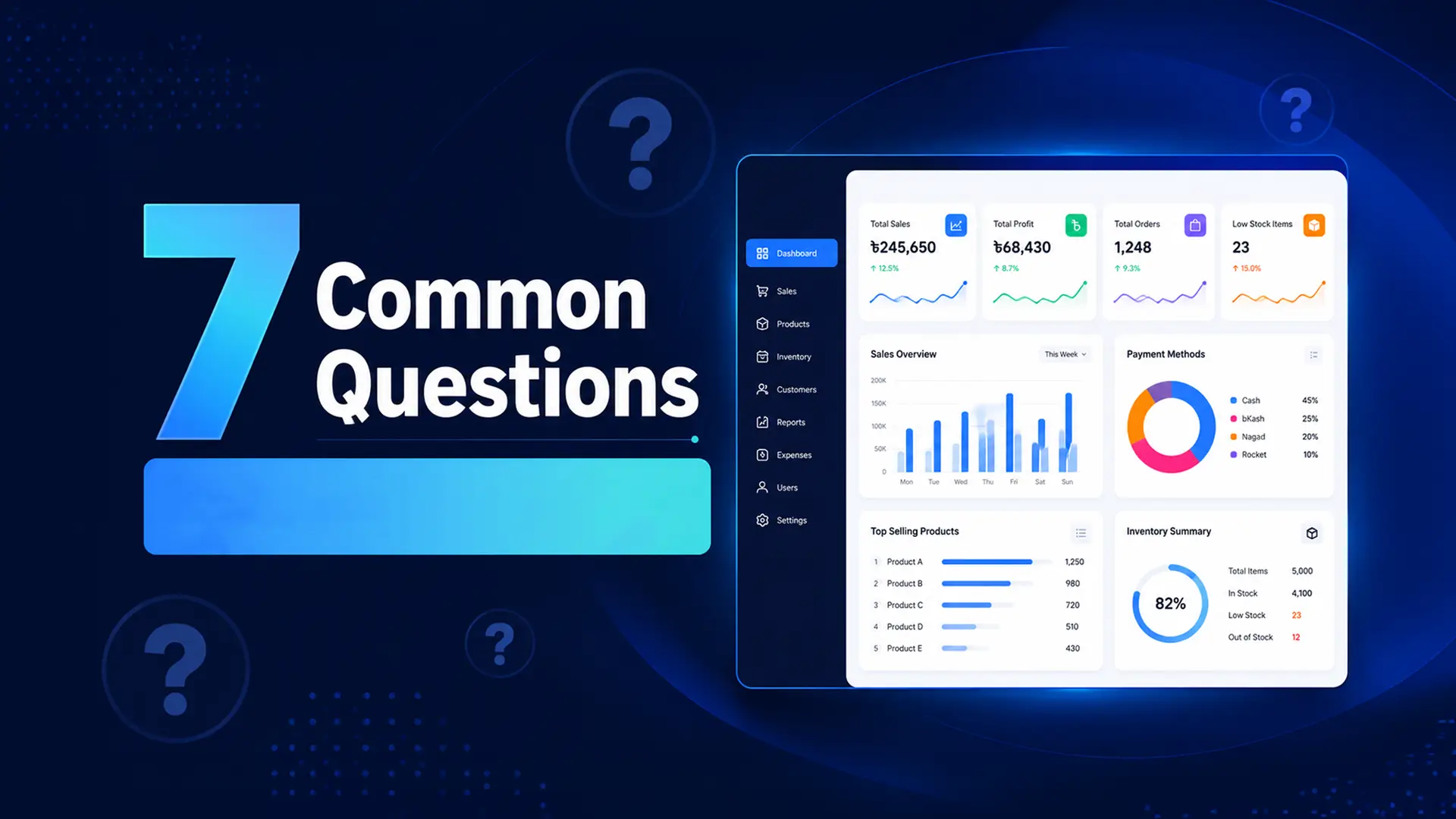
  • 7 Common Questions About POS Software for Small Businesses in Bangladesh

    7 Common Questions About POS Software for Small Businesses in Bangladesh

    If you run a small business in Bangladesh — a shop, a pharmacy, a restaurant, a boutique — chances are you have heard about POS software. Maybe a friend mentioned it. Maybe you saw an ad. Maybe your accountant told you it is time to stop doing everything by hand.

    And now you have questions. Completely reasonable ones. How much does it cost? Will it work when the internet goes down? Does my staff need to be tech-savvy to use it? Is it actually worth it for a small operation?

    We hear these questions from small business owners across Bangladesh every single day. So we have put together the clearest, most honest answers we can — no jargon, no sales pitch, just the information you actually need to make a good decision. If you want a deeper dive into any single topic, our guide on Cloud POS vs Offline POS and our DeshiPOS vs Ehishab vs PridePOS comparison cover related ground in more depth.

    Question 1: What exactly is POS software and do I really need it?

    POS stands for Point of Sale. It is the software that manages your sales transactions — but a modern POS system does far more than just process a payment.

    Think of it as the central nervous system of your shop. When a customer buys something, the POS records the sale, deducts the item from your stock, calculates any VAT, and generates a receipt — all automatically, in a matter of seconds. At the end of the day, it tells you exactly how much you sold, what profit you made, and what stock you need to reorder. See the full breakdown on our features page.

    Do you really need it? Ask yourself this: do you currently know — right now, without checking a notebook — how many units of your top-selling product you have in stock? Do you know your exact profit from last Tuesday? If the answer is no, then yes, you need a POS system.

    Small businesses in Bangladesh that switch to a POS system typically report saving 1 to 2 hours every single day on billing, stocktaking, and end-of-day calculations. Over a year, that is hundreds of hours you could spend growing your business instead of managing paperwork.

    Question 2: How much does POS software cost in Bangladesh?

    This is usually the first question — and the answer is probably more affordable than you think.

    Local POS software built specifically for Bangladesh typically starts at around ৳499 per month for a single outlet. Mid-tier plans with more users and outlets usually run between ৳1,000 and ৳2,000 per month. Enterprise plans for large multi-branch businesses are priced higher.

    DeshiPOS, for example, is structured like this:

    • Starter plan: ৳499/month — 1 outlet, 3 users, 5,000 products, unlimited invoices
    • Growth plan: ৳1,199/month — 3 outlets, 8 users, 12,000 products, API integrations
    • Business plan: ৳1,999/month — 10 outlets, unlimited users and products

    All plans come with a free trial — one month on the Starter plan, two months on Growth, and three months on Business — so you can test the software with your actual business before spending a single taka. See the full comparison on our pricing page.

    One important point: avoid international POS software that charges in USD. With exchange rate fluctuations, your monthly cost becomes unpredictable. A locally-priced system in BDT keeps your costs stable and predictable.

    Question 3: Will the POS software work when the internet goes down?

    This is one of the most important questions for any business in Bangladesh — and the honest answer is: it depends entirely on which software you choose.

    Some POS systems are entirely cloud-dependent. If your internet drops, the system freezes. You cannot process a sale. You cannot print a receipt. Your customers are standing at the counter while you frantically try to get the WiFi working. That is a real problem in a country where power cuts and connectivity drops are a normal part of doing business.

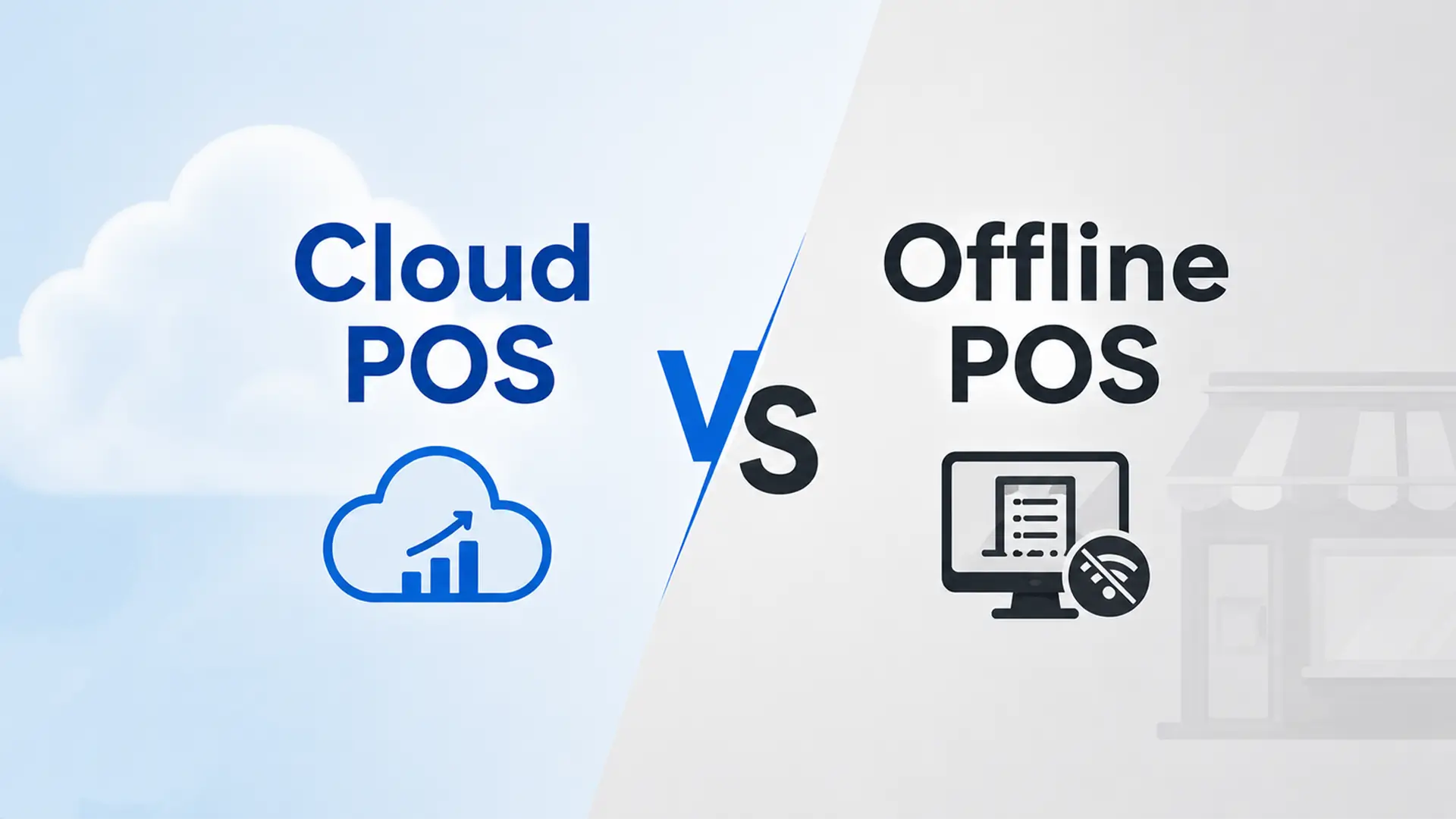
    The better approach is what is called an offline-first architecture. This means the software runs primarily on your local device — your tablet, laptop, or computer — and syncs to the cloud in the background whenever the internet is available. When connectivity drops, you notice nothing. Sales continue. Receipts print. Inventory updates. When the internet comes back, everything syncs automatically. We cover this trade-off in full detail in our Cloud POS vs Offline POS guide.

    DeshiPOS is built offline-first. You can run your entire business through a power cut, a connection drop, or a router problem — and when everything comes back online, all your data is safely in the cloud. Before you choose any POS software, specifically ask the provider: does your system work fully offline? If they hesitate or say “mostly,” that is a red flag.

    Question 4: Does POS software accept bKash, Nagad, and Rocket payments?

    It should — but not all of them do. This is one of the key reasons why locally-built POS software is almost always a better choice for Bangladeshi businesses than international alternatives.

    Mobile Financial Services (MFS) like bKash, Nagad, and Rocket are how a huge portion of your customers pay. If your POS cannot record these transactions properly — or worse, if your staff has to handle them manually on the side — you end up with gaps in your sales records, reconciliation headaches, and a cash flow picture that does not reflect reality.

    A good POS system lets you select the payment method for each transaction — cash, card, bKash, Nagad, Rocket, or even split payment across multiple methods — and records everything in the same system. Your daily report then shows you exactly how much came in from each payment channel, which is essential for accurate end-of-day reconciliation and for staying aligned with National Board of Revenue (NBR) record-keeping requirements.

    When evaluating any POS software, test this specifically during your trial. Process a test sale with each payment method you use and confirm the records appear correctly in your reports.

    Question 5: Do I need special hardware to run POS software?

    Modern cloud-based POS software is designed to run on devices you probably already own. A laptop, a desktop computer, or a tablet — any of these can serve as your billing counter. Some systems also work on smartphones, which is ideal for mobile vendors or market stalls.

    The optional hardware that makes a POS setup more efficient includes:

    • Barcode scanner: Speeds up billing significantly, especially if you sell products with barcodes. Basic scanners cost between ৳1,500 and ৳5,000.
    • Receipt printer: For printing customer receipts. Thermal printers are fast and affordable — typically ৳3,000 to ৳8,000.
    • Cash drawer: Useful if you handle significant cash volumes. Usually ৳2,000 to ৳5,000.

    None of this hardware is required to get started. You can begin with just a laptop and a printer, or even just a tablet, and add hardware later as your business grows and you see the benefits of the system. DeshiPOS works with standard barcode scanners and receipt printers available from any local tech shop in Dhaka or Chittagong.

    Question 6: Is POS software complicated to set up and use?

    The honest answer is: a good POS system should not feel complicated at all. If it does, you are looking at the wrong software.

    Setting up DeshiPOS, for example, takes four steps. First, you sign up for a free account — no credit card required. Second, you add your products — either by typing them in one by one or uploading an Excel spreadsheet. Third, you configure your outlet — set your business name, address, and tax settings. Fourth, you start selling.

    Most business owners complete this entire process in under an hour. Staff training typically takes another one to two hours — and DeshiPOS provides step-by-step guides in Bangla through our guides section and documentation, so your team can follow along without needing a technical background.

    The day-to-day operation is even simpler. A typical sale takes three steps: scan or search for the product, select the payment method, and confirm. The receipt prints automatically. The inventory updates automatically. The daily total updates automatically. Your staff will be comfortable within their first day.

    If you are worried about getting your staff on board, look for a provider that offers onboarding support — a person you can call or WhatsApp who will walk you through the setup and answer questions in Bangla. This support makes the difference between a smooth launch and a frustrating one. You can test response times yourself via our contact page.

    Question 7: Is POS software actually worth it for a small shop?

    This is the most important question of all — and the answer is a clear yes, for almost every small business in Bangladesh.

    Here is a simple way to think about it. DeshiPOS Starter costs ৳499 per month. That is about ৳17 per day. Now ask yourself: does your business lose more than ৳17 per day from billing errors, stock miscounts, expired products, or time spent on manual calculations? Almost certainly yes.

    Beyond the direct cost savings, consider the indirect benefits. Faster billing means shorter queues and better customer experience. Accurate stock means fewer stockouts and fewer lost sales. Daily profit reports mean you make better buying and pricing decisions. And having a complete digital record of every transaction means you are always ready for a tax inspection — no scrambling through notebooks.

    Small businesses that adopt a POS system typically see the following within the first three months:

    • End-of-day reconciliation time drops from 30 to 60 minutes down to under 5 minutes
    • Stock accuracy improves significantly — owners know exactly what they have without a physical count
    • Customer service improves because billing is faster and more accurate
    • Monthly profit visibility improves because the data is always available and always current

    The question is not really whether POS software is worth it for a small shop. The question is how much longer you want to run your business without it.

    Bonus Question: How do I choose between the different POS options in Bangladesh?

    There are several POS systems available for Bangladeshi businesses — we cover the major ones head-to-head in our DeshiPOS vs Ehishab vs PridePOS comparison. Here is a simple framework for making your decision.

    1. Choose local over international

    A POS system built for Bangladesh will support bKash and Nagad payments, generate VAT invoices in the format NBR requires, offer customer support in Bangla during your business hours, and charge you in BDT at a price built for the local market. International software often fails on all four of these points.

    2. Always use the free trial

    Any serious provider offers a free trial. Use it. Set up your actual products, process real sales, and test the offline mode by deliberately disconnecting your internet. The trial tells you everything a sales demo cannot.

    3. Check support availability

    Call their support line before you buy. WhatsApp them. See how fast they respond and whether the person on the other end actually understands your business. A POS issue at 8pm on a Friday is a real emergency — make sure you have a support team you can actually reach.

    4. Think about where you will be in two years

    If you plan to open a second outlet, hire more staff, or add an e-commerce channel — choose a POS that can grow with you. Switching systems later is painful and expensive. DeshiPOS is designed to scale from one outlet to ten, so you never have to start over — see how on our multi-branch management page.

    Which Type of Business Are You?

    POS needs vary by industry. DeshiPOS offers tailored setups for retail shops, restaurants, pharmacies, fashion stores, and electronics shops — each with category-specific features built in from day one.


    Ready to See It for Yourself?

    The best way to answer any remaining questions is to try a POS system with your own business — your own products, your own sales, your own staff. DeshiPOS offers a free trial with no credit card required, so you can test everything before you commit.

    If you would rather see a walkthrough first, book a free demo with the DeshiPOS team. They will show you exactly how the system works for your specific type of business — in Bangla, at a time that suits you.

    Related reading: Cloud POS vs Offline POS in Bangladesh | DeshiPOS vs Ehishab vs PridePOS | Multi-branch management guide | Explore DeshiPOS features | View all pricing plans | DeshiPOS for restaurants | DeshiPOS for pharmacies | FAQ

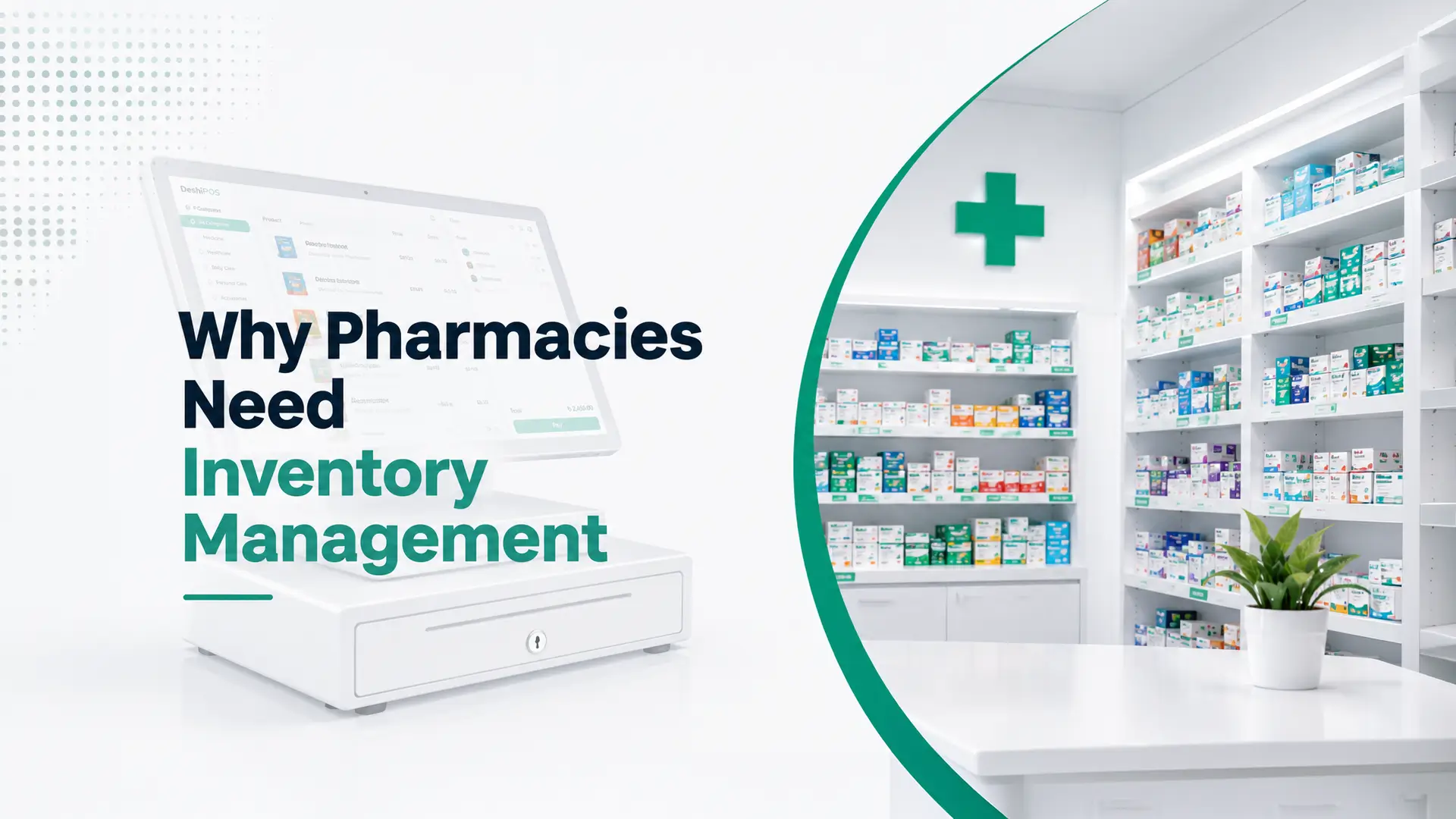
  • Why Pharmacies in Bangladesh Need Digital Inventory Management?

    Why Pharmacies in Bangladesh Need Digital Inventory Management?

    Picture this. A customer walks into your pharmacy at 9pm looking for a specific antibiotic. You check the shelf — it looks like you have it. But when you reach for it, the batch expired two weeks ago. You have to turn the customer away. They leave frustrated, and so do you.

    Now imagine that same scenario — except your system had already flagged that batch for expiry two weeks earlier. You had already removed it, reordered fresh stock, and the customer walks out with exactly what they need.

    That is the difference between running a pharmacy with manual records and running one with proper digital inventory management.

    In Bangladesh, pharmacy businesses face a unique set of challenges: thousands of SKUs across hundreds of medicine categories, strict expiry date compliance, VAT invoicing requirements from the National Board of Revenue, and customers who expect fast, accurate service. Managing all of this with a register and a notebook is not just inefficient — it is genuinely risky.

    This guide explains exactly why digital inventory management matters for pharmacies in Bangladesh, what features to look for, and how to make the transition without disrupting your day-to-day operations. If you are comparing systems more broadly, our guide on Cloud POS vs Offline POS is a useful starting point.


    The Real Problems Pharmacies Face Without Digital Inventory

    Most pharmacy owners in Bangladesh who are still using manual stock systems know something is not working — they just have not put a number on the cost. Here is what the data and real-world experience show.

    1. Expired medicine on shelves

    When you are managing 500, 1,000 or 2,000 different medicines manually, tracking expiry dates for every batch is practically impossible. Expired stock quietly sits on shelves, losing value every day — and potentially causing harm if it reaches a customer. A digital system flags upcoming expiries automatically so you can act before the deadline.

    2. Stockouts of fast-moving medicines

    Running out of paracetamol, antacids, or common antibiotics during peak hours is one of the fastest ways to lose customers to the pharmacy down the street. Without a live stock count, you do not know something is finished until a customer asks for it and you cannot find it. A real-time inventory system sends you a low-stock alert before the last unit is sold.

    3. Overstocking slow-moving items

    The flip side of stockouts is overstocking. Without sales data, you end up buying too much of medicines that move slowly — tying up cash in inventory that sits on shelves for months. Digital inventory tracks your sales velocity for every product, so you can order the right quantities at the right time.

    4. Inaccurate VAT invoicing

    Pharmacy businesses in Bangladesh are subject to VAT regulations from the National Board of Revenue (NBR). Manual invoicing is slow, error-prone, and difficult to audit. A digital pharmacy management system generates compliant invoices automatically — with VAT calculated correctly every time — and keeps a complete record for tax purposes.

    5. No visibility into profit margins

    Do you know which medicines give you the highest margin? Which suppliers are giving you the best prices? Which products are dragging your overall profit down? Without a digital system, answering these questions requires hours of manual calculation. With one, the answer is a single click on your dashboard.


    What Is Pharmacy Inventory Management Software?

    Pharmacy inventory management software is a digital system that tracks every medicine that enters and leaves your pharmacy — automatically. It connects your purchasing, your sales, your stock levels, and your reporting into one place.

    When a customer buys a medicine, the system deducts it from your stock in real time. When stock falls below a minimum level you set, it alerts you. When a batch is approaching its expiry date, it flags it. When you purchase new stock from a supplier, it records the quantity, the price, and the batch details.

    At the end of the month, it generates a complete picture of your inventory value, your sales, your profit margins, and your tax liability — without you having to calculate any of it manually.


    Essential Features of Pharmacy Management Software in Bangladesh

    Not all inventory systems are built for pharmacies. Here are the features that matter specifically for a pharmacy business in Bangladesh — see the full list on our features page.

    1. Batch and expiry date tracking

    Every batch of medicine you receive has a unique batch number and an expiry date. Your system should record both — and alert you when any batch is approaching expiry. Some systems also enforce FEFO (First Expired, First Out) selling, ensuring older stock is always sold before newer batches of the same product.

    This single feature can save a pharmacy from regulatory violations, customer complaints, and significant financial losses from written-off expired stock.

    2. Real-time stock levels across all products

    A live dashboard showing your current stock for every medicine — updated automatically with every sale and every purchase — is the foundation of effective pharmacy management. You should be able to search for any product and see exactly how many units you have, across all batches, at any moment.

    3. Automatic low-stock alerts

    Set a minimum stock level for each product. When your inventory drops below that level, the system alerts you — by notification, email, or SMS — so you can reorder before you run out. For high-volume pharmacies, this feature alone is worth the entire cost of the software.

    4. Supplier and purchase order management

    Track which supplier provides which medicines, at what price, and on what terms. Generate purchase orders directly from the system when stock is low. Record Goods Received Notes (GRNs) when deliveries arrive. This creates a complete paper trail for every piece of stock that enters your pharmacy.

    5. VAT-compliant invoicing

    Your billing system should generate invoices that are compliant with NBR requirements — showing medicine names, quantities, prices, VAT amounts, and totals in the correct format. These invoices should be printable, shareable via WhatsApp, and stored digitally for audit purposes.

    6. Sales reports by product, category and time period

    Which medicines sold most this month? Which categories — antibiotics, vitamins, pain relief — generated the most revenue? How does this month compare to last month? Your reporting dashboard should answer all of these questions instantly, without you needing to pull out a spreadsheet.

    7. Customer credit and due tracking

    Many pharmacies in Bangladesh extend credit to regular customers and local clinics. A digital system tracks exactly who owes you what, for how long, and sends automated reminders — so you are not chasing payments manually or writing customer balances on scraps of paper.

    8. Barcode scanning for fast billing

    Scanning a barcode is faster and more accurate than typing a medicine name manually. A POS system with barcode support speeds up your billing process significantly — especially during busy hours when there is a queue at the counter.

    9. Offline mode for uninterrupted operation

    Internet connectivity in Bangladesh is not always reliable. Your pharmacy management system must work offline — processing sales, updating inventory, and printing receipts — and then sync all data to the cloud automatically when connectivity returns. We cover this trade-off in detail in our Cloud POS vs Offline POS guide.


    The Financial Impact of Going Digital: What Pharmacy Owners Report

    Pharmacy owners who switch from manual to digital inventory management consistently report the same improvements within the first 90 days.

    • Reduction in expired stock write-offs — because expiry alerts catch problems before they become losses.
    • Lower average inventory value — because accurate sales data prevents over-purchasing slow-moving items.
    • Faster billing at the counter — barcode scanning and auto-calculated prices cut transaction time in half.
    • Fewer billing errors — automatic VAT calculation and pricing remove manual mistakes.
    • Better cash flow visibility — knowing exactly what you owe suppliers and what customers owe you changes how you manage your money.

    The combined effect of these improvements typically means the software pays for itself within the first month of use — and then continues delivering value every month after that.


    How DeshiPOS Supports Pharmacy Businesses in Bangladesh?

    DeshiPOS is used by pharmacies across Bangladesh because it was designed with the local market in mind. Here is what pharmacy owners specifically get from the platform.

    1. Complete stock tracking with expiry alerts

    DeshiPOS tracks every product in your pharmacy with batch-level detail. Set expiry alert windows — 30, 60, or 90 days in advance — and the system notifies you automatically so you can clear or return stock before it becomes a loss.

    2. Instant billing with barcode support

    Scan a barcode and the product name, price, and VAT are filled in automatically. Process a sale in seconds. Print a receipt or send it via WhatsApp. The whole transaction takes less time than writing it by hand.

    3. Customer profiles and due tracking

    Build a profile for every regular customer and clinic. Track their purchase history, their outstanding balance, and their loyalty points — all in one place. Send SMS payment reminders automatically, without having to make an awkward phone call.

    4. Daily profit and sales reports

    Every evening, DeshiPOS generates a complete daily report: total sales, cost of goods, gross profit, and top-selling medicines. Export it to Excel for your accountant or view it directly on your phone. Your finances are always visible, always accurate.

    5. Offline-first operation

    DeshiPOS works fully offline. Sales are processed, inventory is updated, and receipts are printed — all without an internet connection. When connectivity returns, everything syncs to the cloud automatically. Your pharmacy never stops because of a network issue.

    6. Pricing built for Bangladeshi businesses

    DeshiPOS starts at just ৳499 per month with a free one-month trial. No USD charges, no hidden fees, no complicated setup. Local customer support in Bangla, available when you need it. See full plan details on our pricing page.


    Step-by-Step: How to Transition Your Pharmacy to Digital Inventory?

    Moving from manual to digital inventory does not have to be disruptive. Here is a practical approach that works for most pharmacies.

    Step 1: Do a physical stock count

    Before going digital, count your current stock. Record the product name, quantity, batch number, expiry date, and purchase price for each item. This takes time upfront — but it only needs to be done once, and it gives you an accurate starting point.

    Step 2: Import your product list

    Most modern pharmacy POS systems allow you to import your product list via Excel or CSV. This means you do not have to type 1,000 medicine names one by one — you upload a spreadsheet and the system does the rest.

    Step 3: Set minimum stock levels

    For each product, set the minimum quantity below which you want an alert. For fast-moving medicines like paracetamol or omeprazole, this might be 50 units. For slower items, it might be 10. Take 30 minutes to set these up properly at the start and you will save hours of stockout firefighting later.

    Step 4: Train your staff

    Most good POS systems can be learned in under two hours. Walk through the billing process with your counter staff, show them how to receive a new stock delivery, and explain how to read the daily report. Our guides and documentation can help speed this up. A short training session at the start prevents confusion later.

    Step 5: Run parallel for the first week

    For your first week, run your digital system alongside your existing manual process. This builds confidence, catches any setup errors, and gives your staff time to get comfortable. After a week, most pharmacies are ready to go fully digital.


    Frequently Asked Questions: Pharmacy Management Software in Bangladesh

    1. Is pharmacy management software suitable for small pharmacies?

    Yes — in fact, small pharmacies benefit the most because they typically have limited staff and cannot afford the losses that come from expired stock or billing errors. An affordable system like DeshiPOS (starting at ৳499/month) pays for itself within the first month for most small pharmacies. See our pricing page for plan details.

    2. How does the software handle medicine expiry tracking?

    When you receive a new stock delivery, you record the batch number and expiry date in the system. The software monitors all batches continuously and sends you alerts — by notification, SMS, or email — when any batch is approaching its expiry date, giving you time to act before the stock becomes a loss.

    3. Can the software generate VAT invoices for pharmacies in Bangladesh?

    Yes. DeshiPOS generates VAT-compliant invoices automatically, with the correct tax calculations applied to each transaction. These invoices can be printed, shared via WhatsApp, and stored digitally — making NBR compliance straightforward.

    4. What if I have both retail customers and clinic/doctor accounts?

    DeshiPOS supports multiple customer types. You can set different pricing for retail customers versus institutional accounts, track credit separately for each account, and generate statements for clinic customers on demand.

    5. Does the software work on a tablet or phone?

    Yes. DeshiPOS works on any device with a browser — desktop, laptop, tablet, or smartphone. You can run the billing counter on a tablet and check your sales reports on your phone from anywhere.

    6. Does DeshiPOS also work for retail shops, not just pharmacies?

    Yes. The same inventory engine powers DeshiPOS for retail stores, fashion shops, and electronics businesses, with category-specific features for each. If you operate multiple outlets, see our multi-branch management page.


    Your Pharmacy Deserves Better Than a Notebook

    The pharmacies that will grow and thrive in Bangladesh over the next five years are the ones that make smart operational decisions today. Digital inventory management is not a future upgrade — it is a present-day necessity for any pharmacy that wants to compete, comply, and grow.

    You do not need a large budget or a technical background to get started. You need the right software, a willingness to spend one day on setup, and a team that is ready to work smarter.

    DeshiPOS gives you all the tools your pharmacy needs — expiry tracking, real-time inventory, VAT invoicing, customer management, and daily reports — in one simple platform built for Bangladesh, priced for Bangladeshi businesses.

    Related reading: Cloud POS vs Offline POS in Bangladesh | DeshiPOS vs Ehishab vs PridePOS | All DeshiPOS features | Pricing plans | FAQ | Contact us

  • How to Manage Multiple Business Branches from One Dashboard?

    How to Manage Multiple Business Branches from One Dashboard?

    Let us be honest about how most multi-branch businesses in Bangladesh are managed today.

    You call Branch 2 at 10am to ask how sales are going. They give you a rough number from memory. You call Branch 3 at noon to check if they need stock transferred. Someone reads out a handwritten count. At the end of the day, you collect sales figures from each branch via WhatsApp, add them up in a notebook or Excel sheet, and try to piece together a picture of how your whole business performed.

    It works — just barely. But it is exhausting, error-prone, and completely unsustainable as you grow.

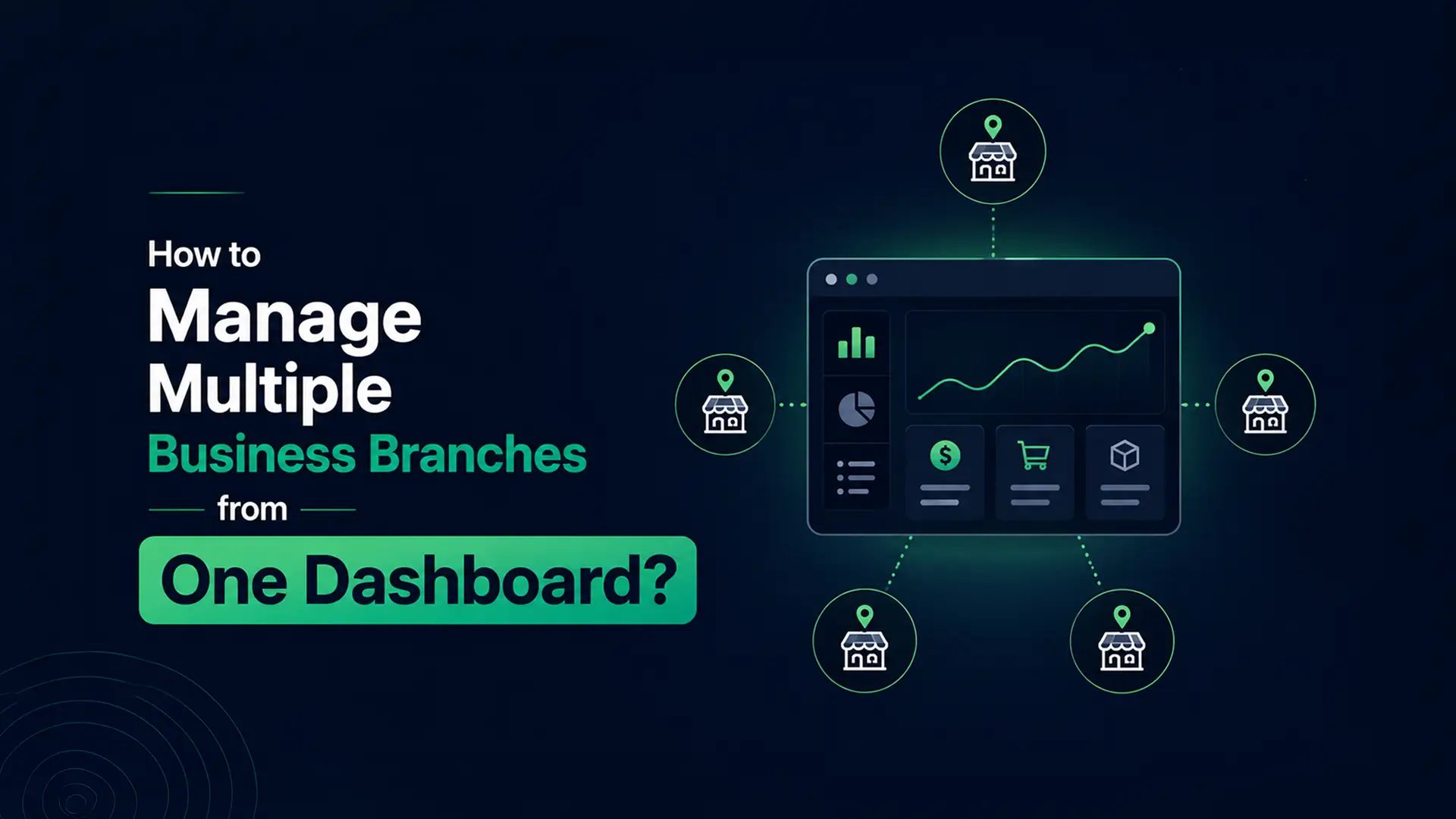
    There is a better way. Modern multi-branch management software gives you a single dashboard where every outlet feeds data in real time — sales, stock, staff activity, and daily profit — without a single phone call. You can manage your entire business from your phone, from anywhere in the country.

    This guide explains how it works, what features matter, and how businesses in Bangladesh are using it right now to run three, five, or ten outlets as efficiently as one. If you are still deciding between cloud and offline systems generally, start with our Cloud POS vs Offline POS guide.


    Why Managing Multiple Branches Is So Difficult Without the Right System?

    The challenges of running multiple business locations are not just about distance. They are about information — or rather, the lack of it.

    1. You never have a real-time picture of your business

    When your sales data comes from phone calls and WhatsApp messages, it is always slightly out of date. By the time you hear that Branch 3 is running low on stock, they may have already turned away customers. By the time you learn that Branch 2 had a slow day, it is too late to do anything about it. Real-time visibility changes everything — you see problems as they happen, not hours later.

    2. Stock management becomes a guessing game

    Without a central inventory system, each branch manages its own stock independently. That means Branch 1 might have excess stock of a product that Branch 3 desperately needs — but nobody knows until it becomes a problem. Overstocking in one location and stockouts in another is one of the most common and most expensive inefficiencies in multi-branch retail businesses.

    3. Pricing and product consistency break down

    When each branch manages its own product list and pricing independently, inconsistencies creep in. A customer who visits your Branch 1 in Dhanmondi and then your Branch 2 in Uttara may find different prices for the same product — and that damages your brand reputation and customer trust in ways that are hard to recover from.

    4. Staff accountability is nearly impossible to enforce

    Without a centralised system, you are trusting your branch managers to report accurately. Most of them do. But without digital records, there is no way to verify. Cash discrepancies, unrecorded discounts, and inventory shrinkage are far more common in businesses that rely on manual reporting than in those with a digital audit trail for every transaction.

    5. Your time gets consumed by coordination

    Every hour you spend calling branches, chasing reports, and manually consolidating data is an hour you are not spending on growing your business. For business owners running three or more locations, this coordination overhead can consume half their working day — and it scales badly as you open more outlets.


    What Multi-Branch Management Software Actually Does?

    A multi-branch POS and business management system connects all your locations to a single cloud-based platform. Every sale, every stock update, every staff action at every outlet feeds into the same system in real time. You see everything from one dashboard, without having to call anyone.

    Here is what that means in practice.

    1. Centralised product and pricing management

    You set your product catalogue and pricing once — from your central dashboard — and it applies consistently across every branch automatically. When you launch a new product, add a seasonal discount, or update a price, you make the change in one place and it takes effect everywhere simultaneously. No more WhatsApp messages to branch managers. No more inconsistent pricing between locations.

    2. Real-time sales visibility across all outlets

    Your dashboard shows you live sales figures for every branch — updating in real time as transactions are processed. You can see the total sales for your entire business right now, or drill down to see exactly what Branch 2 has sold in the last two hours. No phone calls, no waiting, no approximations.

    3. Stock tracking and inter-branch transfers

    Your inventory dashboard shows you stock levels at every location simultaneously. When you see that Branch 1 has excess stock of a product that Branch 3 is running low on, you can initiate a stock transfer directly from the dashboard — creating a digital record of the movement that both branches can see. No paperwork, no confusion about quantities.

    4. Role-based staff access

    Every staff member gets access only to the parts of the system relevant to their role. A cashier at Branch 2 can process sales and view their own shift summary — but cannot see the financial reports for other branches or change product pricing. A branch manager can see all data for their own outlet but not for others. You, as the owner, see everything. This structure creates accountability without exposing sensitive business information to the wrong people.

    5. Consolidated reporting across all branches

    Instead of manually combining sales figures from each branch, your reporting dashboard does it automatically. You can see your total business performance — all outlets combined — or compare branches side by side. Which outlet had the best week? Which product sold most across your entire network? Which branch has the highest staff cost relative to revenue? All of this is visible instantly, without a single spreadsheet.


    Key Features to Look for in Multi-Branch Management Software

    Not all POS systems handle multiple branches well. Here are the specific features that matter when you are managing more than one location — see the complete list on our features page.

    1. Centralised product catalogue with per-branch pricing option

    You need one product catalogue that applies to all branches — but with the flexibility to set different prices for different locations if your cost structure varies. A shop in Gulshan may have different rent and operating costs than one in Narayanganj, and your pricing might need to reflect that.

    2. Live stock levels per outlet

    Stock is tracked separately at each branch but visible centrally. You see not just your total inventory across the network, but the specific stock level at each individual location. This is essential for managing stock transfers and making purchasing decisions.

    3. Inter-branch stock transfer with digital records

    When you move stock from one branch to another, the system should record the quantity transferred, the date, and the staff member who initiated it — and update both branches’ inventory automatically. This creates an audit trail and eliminates the disputes that arise from informal stock movements.

    4. Branch-level and consolidated reporting

    You need to be able to see performance for each branch individually and for your whole business combined. Separate views help you identify which locations are performing well and which need attention. Consolidated views help you understand the overall health of your business.

    5. Role-based user access

    The system should support multiple user roles with different permission levels — owner, manager, cashier, warehouse staff — with access scoped appropriately for each role and each branch. This is not optional for any business serious about financial control.

    6. Mobile access for the owner

    You should be able to check your entire business’s performance from your phone, from anywhere. If you are visiting a supplier in Chittagong, you should still be able to see real-time sales figures for your Dhaka branches. If you are at home on a Sunday evening, your daily report should be a tap away.

    7. Offline-first operation at each branch

    Each branch should be able to operate fully offline if its internet connection drops. Sales continue, inventory updates locally, and receipts print — with everything syncing to the central dashboard automatically when connectivity returns. One branch’s internet problem should never affect the rest of the network. We cover this in more depth in our Cloud POS vs Offline POS comparison.


    How DeshiPOS Handles Multi-Branch Management?

    DeshiPOS was designed with multi-branch businesses in mind from the beginning. Here is exactly what you get when managing multiple outlets on DeshiPOS — whether you run retail stores, restaurants, pharmacies, or fashion outlets.

    1. One dashboard, all branches

    From your DeshiPOS owner dashboard, you see live sales, inventory, and staff activity for every outlet simultaneously. Switch between branches with a single click. Compare their performance side by side. See your total business revenue for today, this week, or this month — all without leaving your desk or making a single phone call.

    2. Centralised product and pricing control

    Add a new product once and it appears across all your outlets. Update a price centrally and every branch gets the change immediately. Run a promotion across your entire network with a single action. Your brand stays consistent and your pricing stays accurate — everywhere, all the time.

    3. Real-time inventory across all locations

    DeshiPOS tracks your stock at each branch in real time. When Branch 1 sells five units of a product, that deduction happens immediately and is visible in your central dashboard. Low-stock alerts fire when any branch’s inventory drops below the threshold you set — so you always know before a branch runs out.

    4. Digital stock transfers between branches

    Initiate a stock transfer from your dashboard. Specify the product, the quantity, the source branch, and the destination branch. The system records the transfer, deducts from the source, and credits the destination — creating a clean digital record that both branch managers can see. No more confusion about what was sent and when.

    5. Role-based access for every team member

    Set exactly what each staff member can see and do. Cashiers at Branch 2 can only access Branch 2’s billing screen. Branch 3’s manager can see Branch 3’s full data but not other branches. Your accountant can access financial reports across all branches without touching billing or inventory settings. You, as the owner, have full visibility and full control.

    6. Mobile access from anywhere

    DeshiPOS runs in any browser on any device. Check your sales from your phone while you are stuck in Dhaka traffic. Approve a stock transfer from your laptop at home. Review your weekly profit report during your morning tea. Your business is always with you — without you needing to be physically present anywhere.

    7. Plans that grow with your business

    DeshiPOS’s Growth plan supports up to 3 outlets at ৳1,199 per month. The Business plan supports up to 10 outlets at ৳1,999 per month with unlimited users and products. For businesses with more complex needs, custom plans are available. All plans include multi-branch stock management, centralised reporting, and role-based access as standard features. See full details on our pricing page.


    Real-World Scenarios: What Changes When You Go Centralised?

    Here are three specific scenarios that illustrate the practical difference a centralised management system makes for multi-branch businesses in Bangladesh.

    Scenario 1: Stock running out at one branch

    Without a central system: Branch 2’s manager calls you at 4pm to say they are almost out of your bestselling product. You call Branch 1 to check if they have excess. They count manually and call back 20 minutes later. You arrange a delivery. By the time the stock arrives, you have already missed two hours of peak sales.

    With DeshiPOS: Your dashboard sends you an automatic low-stock alert for Branch 2 at 11am — before the problem becomes critical. You check Branch 1’s stock level directly in the dashboard. You initiate a transfer digitally in two minutes. Branch 1’s manager sees the transfer request, confirms it, and the delivery is arranged before the lunchtime rush begins.

    Scenario 2: End-of-month performance review

    Without a central system: You spend the first day of every month calling each branch, collecting sales figures, typing them into Excel, and trying to calculate which outlet performed best and what the business’s total profit was. This typically takes half a day — and the numbers are only as accurate as whoever gave them to you.

    With DeshiPOS: On the last day of the month, you open your reporting dashboard and click “Monthly Summary.” You see total revenue, total cost, gross profit, best-selling products, and individual branch performance — all calculated automatically from real transaction data. The entire review takes 15 minutes instead of half a day.

    Scenario 3: Launching a promotion across all branches

    Without a central system: You send a WhatsApp message to all branch managers explaining the promotion details. Some implement it correctly. Some get the discount percentage wrong. One branch forgets entirely. Customers at different branches get different deals, and your brand looks inconsistent.

    With DeshiPOS: You configure the promotion once in your central product settings. It applies automatically at every checkout across all branches simultaneously. Every customer, at every location, gets exactly the same promotion — with zero room for human error or inconsistency.


    Frequently Asked Questions: Multi-Branch Management in Bangladesh

    1. How many branches can I manage with DeshiPOS?

    The Growth plan supports up to 3 outlets and the Business plan supports up to 10 outlets. For businesses with more than 10 locations, DeshiPOS offers customised enterprise plans. Contact the sales team to discuss your specific requirements.

    2. Can each branch operate independently if the internet goes down?

    Yes. DeshiPOS is built offline-first at every outlet. If Branch 3 loses its internet connection, it continues processing sales, updating its local inventory, and printing receipts without interruption. When connectivity returns, all data syncs automatically to the central dashboard.

    3. Can I set different prices for different branches?

    DeshiPOS supports centralised pricing that applies to all branches, with the ability to configure outlet-specific variations where needed. This gives you consistency across your network while allowing for legitimate price differences between locations.

    4. How does stock transfer work between branches?

    You initiate a stock transfer from your central dashboard — specifying the product, quantity, source branch, and destination. The system creates a transfer record, notifies the relevant branch managers, and updates both locations’ inventory automatically when the transfer is confirmed. A complete transfer history is maintained for audit purposes.

    5. Can I see which branch is performing best?

    Yes. Your reporting dashboard lets you compare branches side by side — by revenue, by profit margin, by transaction volume, or by product category. You can filter by time period — today, this week, this month, or a custom range — to understand performance trends over time.

    6. Is multi-branch management included in all DeshiPOS plans?

    Multi-branch management is available from the Growth plan upward. The Starter plan is designed for single-outlet businesses. If you are currently on the Starter plan and ready to open a second location, upgrading to Growth is a straightforward process with no data loss. See our pricing page for full plan comparisons, or check our FAQ for more answers.


    Stop Managing Your Business Branch by Branch — Start Managing It as a Whole

    The businesses that scale successfully in Bangladesh are the ones that build systems early — before the coordination overhead becomes overwhelming. Going from two branches to five is exciting. Going from five to ten is a completely different challenge if you are still managing everything manually.

    A centralised management system does not just save you time. It gives you the clarity to make better decisions, the control to maintain consistency across locations, and the confidence to open new branches knowing you have the tools to manage them properly from day one.

    DeshiPOS is built for exactly this. Whether you have two outlets today or are planning ten, the platform grows with you — giving you the same real-time visibility, the same centralised control, and the same reliable offline operation at every location.

    Start with a free trial and see how different it feels to manage your entire business from one screen.

    Related reading: Cloud POS vs Offline POS in Bangladesh | DeshiPOS vs Ehishab vs PridePOS | All DeshiPOS features | Pricing and plans | DeshiPOS for retail | FAQ

  • DeshiPOS vs Ehishab vs PridePOS: Best POS Software in Bangladesh (2026)

    DeshiPOS vs Ehishab vs PridePOS: Best POS Software in Bangladesh (2026)

    Choosing the right POS software for your business in Bangladesh should not feel like a gamble.

    But when you start researching, you quickly find yourself reading marketing pages that all say the same thing — “easy to use,” “all-in-one solution,” “trusted by thousands.” Every provider sounds perfect. None of them tell you where they fall short.

    So we did the comparison ourselves. In this guide, we put three of the most commonly used POS platforms in Bangladesh side by side — DeshiPOS, Ehishab, and PridePOS — and look at what each one actually offers, who it is best suited for, and where the real differences lie.

    This is not a paid comparison. It is an honest breakdown so you can make the right call for your business. If you are also deciding between cloud and offline systems in general, our guide on Cloud POS vs Offline POS in Bangladesh is worth reading first.


    Why Choosing the Right POS Matters More Than You Think?

    Switching POS systems after you have been using one for a year is genuinely painful. Your historical data, your product catalogue, your customer records — migrating all of that takes time, money, and significant disruption to your daily operations. Getting the decision right the first time saves you all of that.

    The right POS for your business depends on several factors: your industry, the number of outlets you operate, how many staff need access, your budget, and how important local features like bKash support and Bangla language interface are to you. Keep those factors in mind as you read through this comparison.


    A Quick Overview of Each Platform

    1. DeshiPOS

    DeshiPOS is a cloud-based POS and business management platform built specifically for the Bangladeshi market. It is developed by Luminous Labs BD and designed for retail shops, restaurants, pharmacies, fashion stores, and multi-branch businesses. The platform is available in both Bangla and English, supports offline-first operation, and is priced entirely in BDT. It serves over 1,000 businesses across Bangladesh and is built with local payment methods, VAT compliance, and Bangladeshi business workflows at its core.

    2. Ehishab

    Ehishab (also written as E-Hishab) is a cloud-based accounting and POS platform that targets small and medium-sized businesses in Bangladesh. It is well known for combining POS functionality with accounting features — making it a popular choice for business owners who want their sales data and financial accounts in the same system. It supports retail shops, super shops, pharmacies, and trading companies.

    3. PridePOS

    PridePOS is developed by Pridesys IT and is positioned as an advanced cloud-based ERP and POS solution for larger retail operations. It targets retail stores, supermarkets, pharmacies, electronics shops, fashion brands, and chain businesses. It offers ERP integration alongside standard POS features, making it more suitable for businesses with more complex operational needs and larger teams.


    Feature-by-Feature Comparison

    1. Ease of use and setup

    DeshiPOS is built for business owners who are not technical. Setup takes under an hour — sign up, add your products (via manual entry or Excel import), and start selling. The interface is clean and simple enough that most staff members are comfortable within a day. Step-by-step guides are available in our guides section and documentation, in Bangla.

    Ehishab has a user-friendly interface for its core POS functions, though the integrated accounting features add some complexity for users who only need basic retail management. Setup is straightforward for simple use cases but can require more configuration for businesses that want to use the full accounting module.

    PridePOS is the most feature-rich of the three and consequently has a steeper learning curve. It is better suited to businesses with dedicated IT or management staff who can handle the setup and configuration. For a solo shopkeeper or a small team, the complexity may be more than necessary.

    2. Offline functionality

    DeshiPOS is built offline-first. The system operates fully without an internet connection — processing sales, updating inventory, and printing receipts — and syncs all data to the cloud automatically when connectivity returns. This is one of DeshiPOS’s strongest advantages for businesses in areas with unreliable internet. We cover this in detail in our Cloud POS vs Offline POS guide.

    Ehishab is primarily cloud-based and has limited offline capability. Some basic functions may continue during a brief connectivity drop, but it is not designed to operate fully offline for extended periods. For businesses in locations with consistent internet, this is less of a concern.

    PridePOS offers offline capability but the specifics depend on the implementation. Larger deployments may have local server options that improve offline resilience. For smaller cloud-only deployments, internet dependency can be an issue.

    3. Mobile payment support (bKash, Nagad, Rocket)

    DeshiPOS supports bKash, Nagad, Rocket, cash, and card payments as standard transaction types — all recorded in the same system so your daily reconciliation is clean and accurate.

    Ehishab supports multiple payment methods including mobile financial services. The accounting integration means payment method data flows directly into your financial records, which is useful for businesses that use Ehishab for full bookkeeping.

    PridePOS supports standard payment methods and can be configured to include MFS options depending on the plan and setup. Confirm specific MFS support during your evaluation if this is important to your business.

    4. Inventory management

    DeshiPOS offers real-time inventory tracking across all outlets, low-stock alerts, batch and variant tracking (useful for fashion stores and pharmacies), purchase order management, and stock transfer between branches. The inventory dashboard updates automatically with every sale.

    Ehishab includes solid inventory management for its target market — retail and trading businesses. It tracks stock levels, manages suppliers, and generates inventory reports. For pharmacies, it includes some medicine-specific features.

    PridePOS has advanced inventory management with ERP integration, making it more powerful for complex operations with large product catalogues, multiple warehouses, and sophisticated stock management needs. For smaller businesses, this level of complexity may be unnecessary.

    5. Multi-branch management

    DeshiPOS handles multi-branch management from a single dashboard on all paid plans. You can view sales by outlet, transfer stock between branches, set role-based access for staff at each location, and manage pricing centrally. The Business plan supports up to 10 outlets. See our complete multi-branch management guide for more detail.

    Ehishab supports multi-branch operations but the implementation and cost vary depending on the plan. It is generally more suited to businesses with a smaller number of outlets.

    PridePOS has strong multi-branch capabilities and is designed for chain stores and retail networks. It is one of the areas where PridePOS excels — but the cost reflects this enterprise positioning.

    6. Reporting and analytics

    DeshiPOS generates daily sales summaries, profit and loss reports, best-selling product reports, slow-moving stock reports, and customer purchase history reports. Reports are accessible from any device and can be exported to Excel or PDF.

    Ehishab offers detailed financial reporting because of its accounting integration — including profit and loss statements, balance sheets, and tax summaries compliant with National Board of Revenue (NBR) requirements. This is a genuine advantage for businesses that want integrated accounting without a separate bookkeeping tool.

    PridePOS provides advanced reporting and analytics as part of its ERP offering. For businesses that need granular operational data across complex supply chains and large product ranges, PridePOS’s reporting depth is a strong point.

    7. Pricing and value

    DeshiPOS starts at ৳499 per month with a one-month free trial. All prices are in BDT. The Starter plan includes one outlet, 3 users, 5,000 products, and unlimited invoices — sufficient for most small businesses. Higher plans scale affordably to ৳1,999 per month for 10 outlets with unlimited users and products. See the full breakdown on our pricing page.

    Ehishab pricing varies by plan and the specific features needed. It is positioned competitively for small businesses, though businesses that need the full accounting module may find the cost higher than a POS-only solution.

    PridePOS is positioned at the higher end of the market, reflecting its enterprise ERP capabilities. For large retail chains and businesses with complex needs, the investment is justified. For smaller businesses, it may represent more cost than the operation requires.

    8. Customer support

    DeshiPOS offers local customer support in Bangla via WhatsApp and phone, available during Bangladesh business hours. The dedicated support team understands the local context — which means faster, more relevant help when you need it. You can test this yourself via our contact page.

    Ehishab provides local support in Bangla, which is a consistent positive in user feedback. Bangladeshi businesses generally find local-language support responsive and helpful.

    PridePOS offers support through its Pridesys IT team, which is a Bangladeshi company. Support quality tends to be good for enterprise clients but may be more structured (ticketing systems, scheduled calls) rather than immediate WhatsApp-style assistance.


    Side-by-Side Summary

    Here is a plain-language summary of how each platform compares across the most important dimensions for Bangladeshi businesses:

    FeatureDeshiPOSEhishabPridePOS
    Starting price (BDT/month)৳499Varies by planHigher — enterprise pricing
    Free trialYes — 1 to 3 monthsYesYes
    Offline modeFull offline-firstLimitedPartial — depends on setup
    bKash / Nagad supportYes — standardYesConfigurable
    Bangla language UIYesYesYes
    Multi-branchUp to 10 outletsLimitedStrong — enterprise focus
    Accounting integrationBasic reportsFull accounting moduleFull ERP integration
    Best forSMEs, restaurants, pharmacies, fashion, retailSmall retail and trading businessesLarge chains and enterprise retail
    Ease of setupVery easy — under 1 hourEasy to moderateModerate to complex
    Local support in BanglaYes — WhatsApp and phoneYesYes — more structured

    Who Should Choose Each Platform?

    Choose DeshiPOS if:

    • You run a small to medium-sized business — a shop, restaurant, pharmacy, fashion store, or retail outlet
    • Offline reliability is important because your internet connection is not always stable
    • You want to be up and running within a day without technical help
    • You want an affordable, BDT-priced plan with a generous free trial
    • You plan to open more outlets in the future and want a system that grows with you
    • You want Bangla language support and local customer service you can WhatsApp when you need help

    Choose Ehishab if:

    • You want integrated accounting alongside your POS — and do not want to use two separate systems
    • Your business is primarily retail or trading and your operational complexity is relatively straightforward
    • You need detailed financial reports (P&L, balance sheets) as part of your regular workflow

    Choose PridePOS if:

    • You run a large retail chain, supermarket, or enterprise business with complex inventory needs
    • You need full ERP integration with HR, payroll, and advanced supply chain management
    • You have a dedicated IT team to handle setup and ongoing management
    • Budget is not the primary concern — you are willing to invest more for enterprise-grade capabilities

    The Most Important Step: Try Before You Buy

    No comparison article — including this one — can replace actually using a system with your own business. Every platform listed here offers a free trial. Use them.

    Set up your real products. Process real test sales. Turn off your internet and see what happens. Call the support line with a question. After a week of genuine use, you will know far more about which system suits your business than any review can tell you.

    If your business is a small to mid-sized retail shop, restaurant, pharmacy, or fashion store — and you want a system that is affordable, works offline, supports bKash and Nagad, and has local support in Bangla — DeshiPOS is the natural starting point.


    Frequently Asked Questions

    1. Is DeshiPOS better than Ehishab for restaurants?

    For restaurant-specific features like table management, KOT printing, and kitchen order workflows, DeshiPOS has purpose-built restaurant functionality. Ehishab is more focused on retail and trading businesses. For restaurants in Bangladesh, DeshiPOS is generally the stronger fit — see our full restaurant POS buying guide for details.

    2. Can I switch from Ehishab or PridePOS to DeshiPOS later?

    Yes. DeshiPOS allows you to import your product list via Excel or CSV, which simplifies migration. Historical transaction data migration depends on the format of your existing data. The DeshiPOS support team can assist with this process — reach out via our contact page.

    3. Which POS software is best for pharmacies in Bangladesh?

    For pharmacies specifically, DeshiPOS offers batch tracking, expiry date alerts, and medicine-specific inventory management at an affordable price point. Its offline-first operation is particularly valuable for pharmacies that cannot afford downtime during peak hours. Learn more on our pharmacy POS page or read why pharmacies in Bangladesh need digital inventory management.

    4. Does DeshiPOS offer accounting features like Ehishab?

    DeshiPOS provides detailed sales reports, profit and loss summaries, and data exports to Excel and PDF — which covers the reporting needs of most small businesses. For businesses that need full double-entry accounting, tax filing integration, or balance sheet management, Ehishab’s accounting module is more comprehensive.

    Related reading: Cloud POS vs Offline POS in Bangladesh | Best POS for restaurants | DeshiPOS features | Pricing plans | DeshiPOS for pharmacies | FAQ

  • Best POS Software for Restaurants in Bangladesh (2026 Guide)

    Best POS Software for Restaurants in Bangladesh (2026 Guide)

    Running a restaurant in Bangladesh is not for the faint-hearted.

    You are managing orders from multiple tables, keeping track of what is left in the kitchen, paying your staff on time, handling bKash payments, and somehow still trying to give every customer a smile. It is a lot. And if you are still doing all of this with handwritten bills and a notebook for inventory — you already know the problem.

    The good news? The right restaurant POS software can take at least half of that pressure off your shoulders. It handles the billing, the kitchen orders, the stock tracking, and the daily reports automatically — so you can focus on the food and the people.

    In this guide, we will walk you through everything you need to know to choose the best restaurant POS software in Bangladesh — what features matter, what to avoid, and what local restaurant owners are actually using right now. If you are also weighing cloud vs offline systems in general, our guide on Cloud POS vs Offline POS for Bangladesh businesses is a useful companion read.


    What Is a Restaurant POS System and Why Does It Matter?

    A POS system — short for Point of Sale system — is the software your restaurant uses to take orders, process payments, and manage everything that happens between a customer sitting down and walking out the door.

    But a modern restaurant POS does far more than just print a receipt. Think of it as the brain of your entire operation. It connects your front-of-house staff with the kitchen, tracks your inventory in real time, generates daily profit reports, and keeps a record of every transaction — all automatically.

    For restaurants in Bangladesh specifically, a good POS system also needs to handle local realities: accepting mobile payments like bKash and Nagad, working when the internet goes down, supporting VAT calculations that comply with NBR rules, and ideally running in Bangla so your staff can use it without a training course.

    The real cost of not having a POS

    Let us be honest about what happens without one. Manual billing slows down your table turnover. Handwritten kitchen orders get lost or misread — and an unhappy customer who waited 40 minutes for the wrong dish rarely comes back. Your inventory gets guessed rather than tracked, so either you run out of popular items mid-service or you overbuy and food goes to waste. At the end of the month, your profit calculation is more of an estimate than a fact.

    A restaurant POS system solves all of this — not someday, but from your very first week of using it.


    Key Features to Look for in a Restaurant POS Software in Bangladesh

    Not every POS system is built for restaurants, and not every restaurant POS is built for Bangladesh. Here are the features that actually matter when you are choosing one — you can see the full breakdown on our features page.

    1. Table management and order tracking

    Your POS should show you a live map of your restaurant floor — which tables are occupied, which are free, and how long each table has been seated. When a waiter takes an order at Table 7, that order should appear instantly in the kitchen without anyone having to shout or run a slip of paper across the room.

    This alone can cut your average order-to-serve time by 5 to 10 minutes per table. In a busy restaurant, that is the difference between serving 40 covers a night and serving 60.

    2. Kitchen Order Ticket (KOT) printing

    A Kitchen Order Ticket — or KOT — is an automatic printout that appears in your kitchen the moment a waiter finalizes an order on the POS. No more shouting across a noisy kitchen. No more lost handwritten notes. The kitchen gets a clear, timestamped ticket for every order, every time.

    For restaurants in Dhaka and Chittagong where kitchen noise and space are often challenges, KOT printing is not a luxury. It is a necessity.

    3. Split billing and flexible payment options

    Your customers pay in different ways. Some use bKash. Some pay cash. Some want to split the bill between four friends. A restaurant POS should handle all of this without any confusion at the counter.

    Look for software that supports split payments, partial payments, and multiple payment methods in a single transaction — including mobile financial services like bKash, Nagad, and Rocket that are widely used across Bangladesh.

    4. Real-time inventory tracking for ingredients

    Every dish you sell uses ingredients. A proper restaurant POS tracks your raw material stock in real time — so when you sell 20 plates of biryani, it automatically deducts the rice, oil, and spices used from your inventory. When stock drops below a set level, you get an alert before you run out mid-service.

    This feature alone saves most restaurant owners thousands of taka every month in waste and emergency purchases.

    5. Daily sales reports and profit dashboard

    At the end of every day, your POS should give you a clear picture: total sales, total expenses, best-selling items, and your net profit. You should be able to see this from your phone, even if you are not at the restaurant.

    Good data leads to good decisions. If your Friday biryani outsells your pasta every single week, that data should be telling you to feature biryani more prominently on your menu — and maybe rethink the pasta.

    6. Offline functionality

    Internet in Bangladesh can be unpredictable. Your POS software must keep working when the connection drops. An offline-first system stores all data locally and syncs automatically to the cloud the moment connectivity returns. No lost orders, no frozen billing screen, no embarrassing moments in front of customers. We cover this trade-off in more depth in our Cloud POS vs Offline POS comparison.

    7. VAT compliance and NBR-ready invoicing

    If your restaurant is VAT-registered, your POS needs to generate invoices that comply with National Board of Revenue (NBR) requirements. This includes showing VAT amounts separately, printing correct mushak challan formats, and keeping records that are audit-ready. Doing this manually is both time-consuming and error-prone.

    8. Staff management and role-based access

    You do not want your kitchen staff accessing your financial reports. And you do not want a cashier to be able to give discounts without manager approval. A good POS system lets you set role-based access — so every staff member sees only what they need to see and can do only what they are authorized to do.


    Types of Restaurants That Need a POS System in Bangladesh

    The short answer is: all of them. But the specific features you need depend on your restaurant type.

    1. Full-service restaurants and dining halls

    If you have multiple tables, multiple waiters, and a proper kitchen — table management, KOT printing, and split billing are your top priorities. You need a POS that maps your floor and keeps orders flowing smoothly from table to kitchen to checkout.

    2. Fast food and quick-service outlets

    Speed is everything. Your POS needs to process orders in seconds, print receipts instantly, and handle a high volume of small transactions without slowing down. A clean, simple interface that your staff can learn in 30 minutes is more important than advanced features they will never use.

    3. Cafes and tea stalls

    Even a small tea stall benefits from a basic POS. It tracks your daily cash, tells you which items sell most, and helps you manage your simple inventory of tea, milk, biscuits, and snacks. The pricing needs to be affordable — and the interface needs to be simple enough for one person to run alone. See our pricing plans for small-business options.

    4. Cloud kitchens and delivery-only restaurants

    Cloud kitchens operate without a dining floor but still need to manage multiple orders simultaneously, often from different platforms. A POS that integrates with delivery channels and tracks order status in real time is essential for this format, which is growing rapidly in Dhaka.

    5. Chain restaurants and multi-branch operations

    If you have more than one outlet, you need a POS that consolidates data across all locations. One dashboard should show you sales, inventory, and staff performance for every branch — so you can manage your whole business without physically visiting each location every day. Learn more on our multi-branch management page.


    Common Mistakes Restaurant Owners Make When Choosing a POS

    We have spoken to hundreds of restaurant owners across Dhaka, Chittagong, and Sylhet. Here are the mistakes that come up again and again.

    1. Choosing the cheapest option without checking features

    A POS system that costs ৳200 a month but cannot handle KOT printing or offline mode will cost you far more in lost orders and frustrated staff. Price matters — but value matters more. Look at what you actually get for the price.

    2. Picking a foreign software not built for Bangladesh

    Many international POS systems do not support bKash or Nagad payments. They do not calculate VAT the way NBR requires. Their customer support is in a different time zone. And they charge you in USD, which means your software cost fluctuates with the exchange rate. A locally-built POS built specifically for Bangladeshi businesses avoids all of these problems.

    3. Ignoring training and onboarding support

    The best POS system in the world is useless if your staff cannot figure out how to use it. Before you commit to any software, ask: is there training included? Is there a support team I can call when something goes wrong? Is there a Bangla-language guide my staff can follow? Our documentation and guides cover this in detail.

    4. Not thinking about growth

    You might have one restaurant today. But what about two years from now? Choose a POS that can grow with you — one that supports multiple outlets, more users, and more complex reporting as your business expands. Switching systems later is painful and expensive.


    How DeshiPOS Solves the Specific Challenges of Bangladeshi Restaurants?

    DeshiPOS was built from the ground up for businesses in Bangladesh — and restaurants are one of its strongest use cases. Here is what restaurant owners specifically get.

    1. Fast billing that works offline

    DeshiPOS processes orders and prints bills in seconds. And if your internet goes down during the dinner rush — which happens — it keeps working completely offline. Every transaction is saved locally and synced to the cloud automatically when your connection returns. You never lose data, and your customers never notice a thing.

    2. Real-time inventory with low-stock alerts

    Every sale automatically updates your stock levels. When your chicken tikka masala ingredients are running low, DeshiPOS sends you an alert before you run out. No more awkward moments telling a customer that a dish is unavailable because someone forgot to check the stockroom.

    3. Customer loyalty and SMS marketing

    DeshiPOS lets you build customer profiles and track their purchase history. You can reward loyal customers with points and send them SMS offers — like a Eid special discount — directly from the system. Bringing back an existing customer costs far less than finding a new one.

    4. Multi-branch management from one screen

    If you have more than one restaurant location, DeshiPOS gives you a single dashboard to monitor all of them. Compare sales between branches, transfer stock between locations, and manage your entire team’s access — all from your phone or laptop, wherever you are. See our multi-branch management page for details.

    5. Clear daily reports in plain language

    At the end of every day, DeshiPOS generates a simple, readable summary: how much you sold, what your best-selling items were, and what your profit looks like. These reports can be exported to Excel or PDF — making accounting, tax filing, and business planning significantly easier.

    6. Affordable local pricing in BDT

    DeshiPOS starts at just ৳499 per month — with a one-month free trial included. There are no hidden fees, no USD charges, and no complicated contracts. You pay for what you use, and you can upgrade as your restaurant grows. Compare all options on our pricing page.


    What Real Restaurant Owners in Bangladesh Say?

    Here is what business owners who have made the switch to a modern POS system report consistently:

    • Table turnover improved because billing became faster — customers spend less time waiting for the check.
    • Kitchen errors dropped significantly once KOT printing replaced handwritten slips.
    • Monthly food waste reduced when real-time inventory tracking replaced manual stock counting.
    • End-of-day accounting went from 45 minutes to under 5 minutes with automatic reports.
    • Staff accountability improved because every transaction is logged against a specific user account.

    These are not marketing claims. These are the natural results of replacing a manual, paper-based process with a system designed to do those jobs automatically and accurately.


    How to Evaluate Any Restaurant POS Before You Buy?

    Before you commit to any POS software — including DeshiPOS — here is a simple checklist to use during your evaluation.

    1. Ask for a free trial

    Any serious POS provider should offer a free trial with no credit card required. Use it. Set up your menu, process a few test orders, and see how it feels in real use — not just in a sales demo. You can book a free DeshiPOS demo directly.

    2. Test the offline mode

    Deliberately turn off your internet during the trial and try to process a sale. If the system freezes or throws an error — that is a serious red flag for any restaurant in Bangladesh.

    3. Check payment method support

    Confirm that the system supports all the payment methods your customers actually use: cash, card, bKash, Nagad, and Rocket. If any of these are missing, your staff will end up doing manual workarounds that defeat the purpose of the system.

    4. Talk to their support team

    Call or WhatsApp their support line before you buy. How fast do they respond? Do they speak Bangla? Are they available during your business hours? A POS issue at 8pm on a Friday night needs a support team that is actually reachable. Visit our contact page to test response times yourself.

    5. Ask about data ownership

    Your sales data belongs to you. Make sure the provider allows you to export your data at any time and in a format you can actually use — like Excel or CSV. Never commit to a system that locks your data inside their platform.


    Frequently Asked Questions About Restaurant POS Software in Bangladesh

    1. How much does restaurant POS software cost in Bangladesh?

    Local POS solutions built for Bangladesh typically range from ৳499 to ৳2,000 per month depending on the number of outlets, users, and features. DeshiPOS starts at ৳499 per month for a single outlet with a one-month free trial included — see full details on our pricing page.

    2. Can a POS system work without internet in Bangladesh?

    Yes — good ones do. DeshiPOS is built offline-first, meaning it stores all your data locally and syncs to the cloud automatically when connectivity returns. Your restaurant never stops operating because of an internet issue. Read more in our Cloud POS vs Offline POS guide.

    3. Does restaurant POS software support bKash and Nagad payments?

    Local POS systems built for Bangladesh, including DeshiPOS, support mobile financial services like bKash, Nagad, and Rocket alongside cash and card payments. International POS systems often do not.

    4. How long does it take to set up a POS system?

    With a cloud-based system like DeshiPOS, setup takes under an hour. You sign up, enter your menu items and prices, and you are ready to take your first order. There is no hardware installation and no technical expertise required.

    5. Is POS software suitable for small restaurants and tea stalls?

    Absolutely. Small restaurants benefit the most from a POS system because they typically have the least administrative support. Even a basic POS tracks your daily sales, tells you what is selling, and saves you hours of manual calculation every week — at a cost that pays for itself within days.

    6. Can I manage multiple restaurant branches from one POS?

    Yes. DeshiPOS’s Growth and Business plans support multiple outlets from a single dashboard. You can view sales by branch, transfer stock between locations, and manage all staff access centrally — without visiting each location in person. See our multi-branch management page for more.


    The Bottom Line: What the Right POS Does for Your Restaurant?

    Choosing a restaurant POS system is not a technology decision. It is a business decision.

    The right POS means faster service, fewer errors, less waste, and clearer profits. It means your staff spend less time on paperwork and more time taking care of customers. It means you can manage your restaurant from anywhere — not just from the cash counter.

    For restaurants in Bangladesh specifically, you need a system that understands the local context: the payment methods your customers use, the internet reliability challenges you face, the VAT rules you have to follow, and the pricing structure that works for a Bangladeshi business.

    DeshiPOS was built for exactly this. It is used by over 1,000 businesses across Bangladesh — from small tea shops to multi-branch restaurant chains — and it comes with a free trial so you can see the difference before you spend a single taka.


    Related reading: Cloud POS vs Offline POS in Bangladesh | Explore all DeshiPOS features | View pricing plans | Multi-branch management | FAQ

  • Cloud POS vs Offline POS: Which Is Better for Businesses in Bangladesh?

    Cloud POS vs Offline POS: Which Is Better for Businesses in Bangladesh?

    There is one question that comes up in almost every conversation with a business owner in Bangladesh who is considering a POS system for the first time: “What happens when the internet goes down?”

    It is a completely reasonable concern. Anyone who has run a business in Bangladesh knows that internet connectivity can be unpredictable — especially outside Dhaka. So when it comes to choosing between a Cloud POS and an Offline POS, the decision carries real weight. Get it right, and your business runs smoother. Get it wrong, and you are stuck with a system that fights you every day.

    This guide breaks down both options clearly, so you can make a confident, informed decision. If you want to explore how DeshiPOS handles this challenge specifically, you can book a free demo or check our detailed features page.


    What Is a Cloud POS System?

    A Cloud POS (also called an online POS) stores all your data — sales, inventory, customers, reports — on remote servers accessible via the internet. You can log in from any device, anywhere, and see your business in real time.

    Key characteristics:

    • Requires a live internet connection to function at full capacity
    • Data is backed up automatically and stored off-site
    • Software updates happen automatically without IT intervention
    • Accessible from phones, tablets, laptops — any browser
    • Ideal for businesses with multiple branches that need centralized reporting

    What Is an Offline POS System?

    An Offline POS stores data locally — on the computer or server inside your shop. It does not need the internet to process sales. Everything happens on the hardware you own.

    Key characteristics:

    • Works without any internet connection
    • Data lives on your local machine or server
    • Updates must be applied manually
    • Typically tied to one physical location
    • Requires in-house or vendor IT support for maintenance

    Cloud POS vs Offline POS: A Side-by-Side Comparison

    Feature Cloud POS Offline POS
    Internet Required? Yes (with optional offline mode) No
    Data Backup Automatic, cloud-stored Manual, local only
    Remote Access Yes — any device, anywhere No
    Multi-Branch Support Excellent Limited
    Software Updates Automatic Manual
    Upfront Cost Lower (subscription model) Higher (one-time license + hardware)
    Ongoing Cost Monthly/yearly subscription Maintenance & IT costs
    Bangladesh Internet Risk Managed with hybrid/offline mode No risk
    VAT Compliance (NBR) Built-in on modern systems Depends on software

    The Real Bangladesh Factor: Internet Reliability

    Let’s address the elephant in the room directly. Internet quality in Bangladesh has improved dramatically — but it is still not 100% reliable, especially in areas outside major cities like Dhaka, Chittagong, and Sylhet.

    This is why the best modern cloud POS systems — including DeshiPOS — are built with a hybrid offline mode. This means:

    • If your internet drops, the system keeps processing sales locally
    • Once connectivity is restored, all data syncs automatically to the cloud
    • You never lose a transaction
    • Your staff never has to stop working

    This hybrid approach effectively eliminates the biggest objection to cloud POS in Bangladesh. You get the best of both worlds — the power of the cloud with the reliability of offline operation.

    Want to see exactly how this works? Visit our features page or read through our documentation.


    When to Choose a Cloud POS in Bangladesh?

    A cloud POS is the right choice if any of the following describe your business:

    • You have more than one shop. Centralized reporting across all branches is only possible with a cloud system. See how DeshiPOS handles multi-branch management, including how to manage multiple branches from one dashboard.
    • You want to manage your business remotely. Check sales, inventory, and staff performance from home or while traveling.
    • You are in retail, fashion, electronics, or pharmacy. These sectors benefit most from real-time inventory and sales analytics. DeshiPOS offers dedicated solutions for retail businesses, fashion stores, electronics shops, and pharmacies — including why pharmacies in Bangladesh need digital inventory management in the first place.
    • You want automatic NBR-compliant VAT reporting. Cloud POS systems like DeshiPOS generate Mushak-ready reports automatically, reducing compliance risk.
    • You prefer lower upfront costs. Cloud POS works on a subscription model — you pay as you go instead of a large one-time license fee.

    When an Offline POS Still Makes Sense?

    There are still valid cases for choosing a purely offline POS:

    • Your business operates in an area with severely limited or no internet access
    • You have strict data privacy requirements that prevent cloud storage
    • You run a single-location business with no plans to expand
    • You already have an existing IT infrastructure and on-site server management

    However, it is worth noting that even in these cases, a hybrid POS — which functions offline but syncs to the cloud when connected — is increasingly the smarter long-term choice. Most modern POS platforms, including DeshiPOS, are built on this hybrid model by default.


    What About Restaurants?

    For restaurant owners specifically, the decision takes on additional complexity. You need real-time kitchen communication, table management, and fast billing — all of which work far better with a cloud-connected system. DeshiPOS offers a dedicated restaurant POS solution designed for the unique demands of the Bangladesh F&B industry — see our full restaurant POS buying guide for a deeper look.


    Cost Comparison: Cloud POS vs Offline POS in Bangladesh

    Cost is always a top concern for Bangladeshi business owners. Here is a realistic breakdown:

    Cloud POS Costs

    • Monthly or annual subscription fee
    • Minimal upfront hardware investment (works on existing devices)
    • No server infrastructure needed
    • Automatic updates included in subscription

    Offline POS Costs

    • One-time software license (can be high)
    • Dedicated server or hardware purchase
    • Annual maintenance fees
    • IT support costs for updates and troubleshooting

    Over a 3–5 year period, cloud POS often works out to be more cost-effective — especially when you factor in the time saved on maintenance and the business intelligence you gain from always-on reporting. Check DeshiPOS pricing to see which plan fits your business size and budget.


    Security: Which System Is Safer?

    A common misconception is that locally stored data is safer. In practice, the opposite is often true:

    • Offline POS risk: If your hardware is stolen, damaged by flood or fire, or hit by a power surge, your data is gone permanently
    • Cloud POS security: Data is encrypted, stored in geographically redundant servers, and backed up continuously. Even if your hardware is destroyed, your data survives

    Reputable cloud POS providers also comply with data protection standards and use enterprise-grade encryption — far beyond what most small businesses can achieve with a local server. For more details on how DeshiPOS protects your data, visit our FAQ page.


    The Verdict: Which Is Better for Bangladesh Businesses?

    For most businesses in Bangladesh today — whether you run a retail shop in Dhaka, a pharmacy in Sylhet, a restaurant in Chittagong, or a fashion boutique anywhere in the country — a modern cloud POS with hybrid offline capability is the better choice.

    Here is why:

    1. The internet reliability concern is solved by hybrid offline mode
    2. You get real-time business intelligence that offline POS cannot offer
    3. Multi-branch management is effortless
    4. NBR VAT compliance is built in
    5. Your data is safer in the cloud than on a local hard drive
    6. The total cost of ownership is typically lower over 3+ years

    The only scenario where a purely offline POS wins is if you have zero internet access and zero plans to expand beyond one location. For everyone else, cloud wins.


    Frequently Asked Questions

    1. Can a cloud POS work without internet in Bangladesh?

    Yes. DeshiPOS and most modern cloud POS systems include an offline mode that keeps billing and inventory running during outages. Data syncs automatically once the connection is restored. Visit our FAQ for more details.

    2. What is the best POS system for small businesses in Bangladesh?

    For small businesses, a cloud-based POS with an affordable monthly plan is ideal — low upfront cost, automatic updates, and access from any device. DeshiPOS offers plans designed for businesses of all sizes; see our pricing page.

    3. Does DeshiPOS support NBR VAT compliance?

    Yes. DeshiPOS generates VAT-compliant invoices and Mushak-ready reports to keep your business aligned with Bangladesh National Board of Revenue (NBR) requirements.

    4. Can I manage multiple shops from one account?

    Yes. DeshiPOS supports multi-branch management with centralized inventory, sales reporting, and staff oversight across all your locations.


    Ready to See DeshiPOS in Action?

    If you are still weighing your options, the best next step is to see how a modern cloud POS actually works for your specific business type. DeshiPOS offers a free demo with no commitment required.

    Book your free DeshiPOS demo →

    You can also explore our full list of features, read through our guides, or browse our pricing plans to find the right fit for your business.


    Have questions? Our team is ready to help. Contact us or visit the FAQ page for quick answers.